The Hidden Time Sink of Subcontractor Bid Leveling
Imagine this: you're a general contractor reviewing seven bids from plumbing subcontractors for a mid-size commercial project. Each bid comes in a different format. One lists exclusions in a separate PDF, another buries them in fine print. Pricing structures vary wildly—some quote per fixture, others per square foot. What’s worse, scopes don’t align: Bid A includes trenching, while Bid B assumes it’s your responsibility. Sorting through this mess manually takes hours, and it’s easy to miss a critical detail.
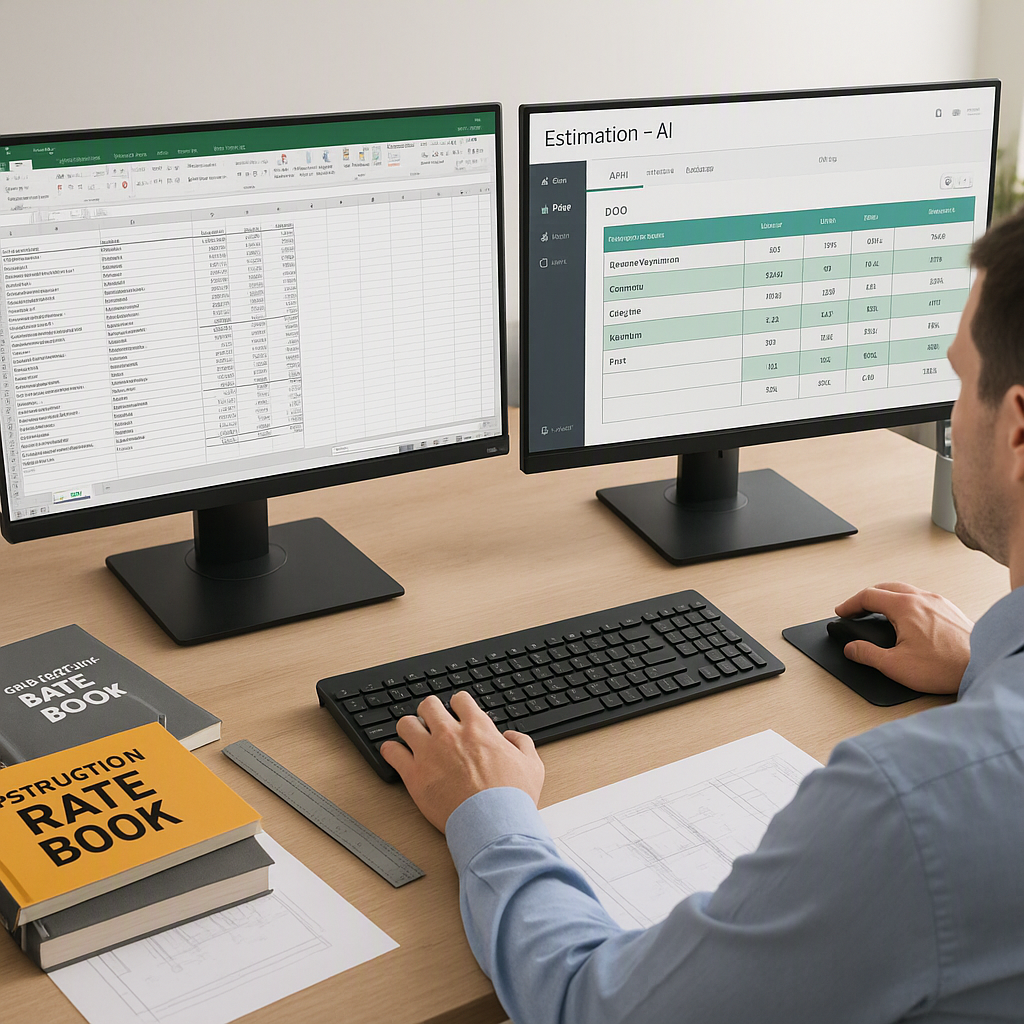
We’ve all been there. Bid leveling is one of the most frustrating parts of managing subcontractors. It’s tedious, error-prone, and feels like it shouldn’t be this hard in 2026. And yet, most contractors still do it by hand—flipping between Excel, PDFs, and email chains.
But what if it didn’t have to be this way? Tools like EstimateNext are finally tackling this problem head-on with AI-powered features that normalize bids, align scopes, and flag inconsistencies in minutes.
Why Bid Leveling Is So Painful
Bid leveling is hard for three main reasons:
1. Scope Mismatch
Subcontractors interpret scopes differently. One plumber might assume trenching is included, while another doesn’t. Without a clear comparison, you risk awarding a bid that leaves you on the hook for unexpected work.
Actionable Tip: Standardize your scope documents upfront and distribute them to all bidders. This reduces misinterpretations and ensures bids are more comparable. Use templates for clarity—tools like Procore or Bluebeam can help with this.
Expanded Advice: Ensure the scope document includes specific details like material requirements, inclusions/exclusions, and site-specific constraints. For example, specify whether trenching needs to account for rocky soil conditions or proximity to existing utilities. The clearer you are upfront, the less interpretation is left to chance.
2. Formatting Chaos
Sub bids come in every format under the sun—handwritten PDFs, Excel sheets, even text messages. Extracting useful data takes time and introduces errors.
Actionable Tip: Require bidders to submit their proposals in a standardized format, such as a downloadable Excel template or a fillable PDF. This reduces the chaos and simplifies data extraction.
Expanded Advice: Include instructions for using the standardized format in your bidder package. For example, you might provide a sample filled-out form to ensure subcontractors know how to complete it properly. Additionally, tools like Adobe Acrobat and Google Sheets can help ensure submissions remain editable and uniform.
3. Hidden Costs and Exclusions
Ever awarded the lowest bid, only to find out it didn’t include key items? That’s the cost of missing details buried in exclusions or ambiguous terms.
Actionable Tip: Make a checklist of common exclusions—insurance, site prep, permits, etc.—and verify each bid against it. This will help you spot gaps before they become costly problems.
Expanded Advice: Take it one step further by categorizing exclusions into essential, negotiable, and irrelevant ones. Essential exclusions (e.g., liability insurance) should disqualify bids outright, while negotiable ones (e.g., painting touch-ups) may be worth discussing. Irrelevant ones can be disregarded to save time.
How AI Changes the Game
Here’s where AI-powered tools like EstimateNext come in. Instead of slogging through bid comparisons manually, these platforms do the heavy lifting for you. Here’s how it works:
1. Scope Normalization
AI scans each bid to align scopes automatically. If Bid A includes trenching but Bid B doesn’t, it flags the discrepancy and suggests adjustments. No more guessing what’s included.
How It Works: The AI uses natural language processing (NLP) to identify key phrases and terms in bid documents. For example, it recognizes phrases like “trenching included” or “site prep excluded” and categorizes them under a unified scope. This ensures all bids are measured against the same baseline.
Expanded Explanation: NLP algorithms can also identify synonyms and context-specific phrases. For example, “excavation required” might mean trenching in one bid but foundation prep in another. AI tools can standardize these interpretations, allowing you to compare apples to apples.
2. Exclusion Detection
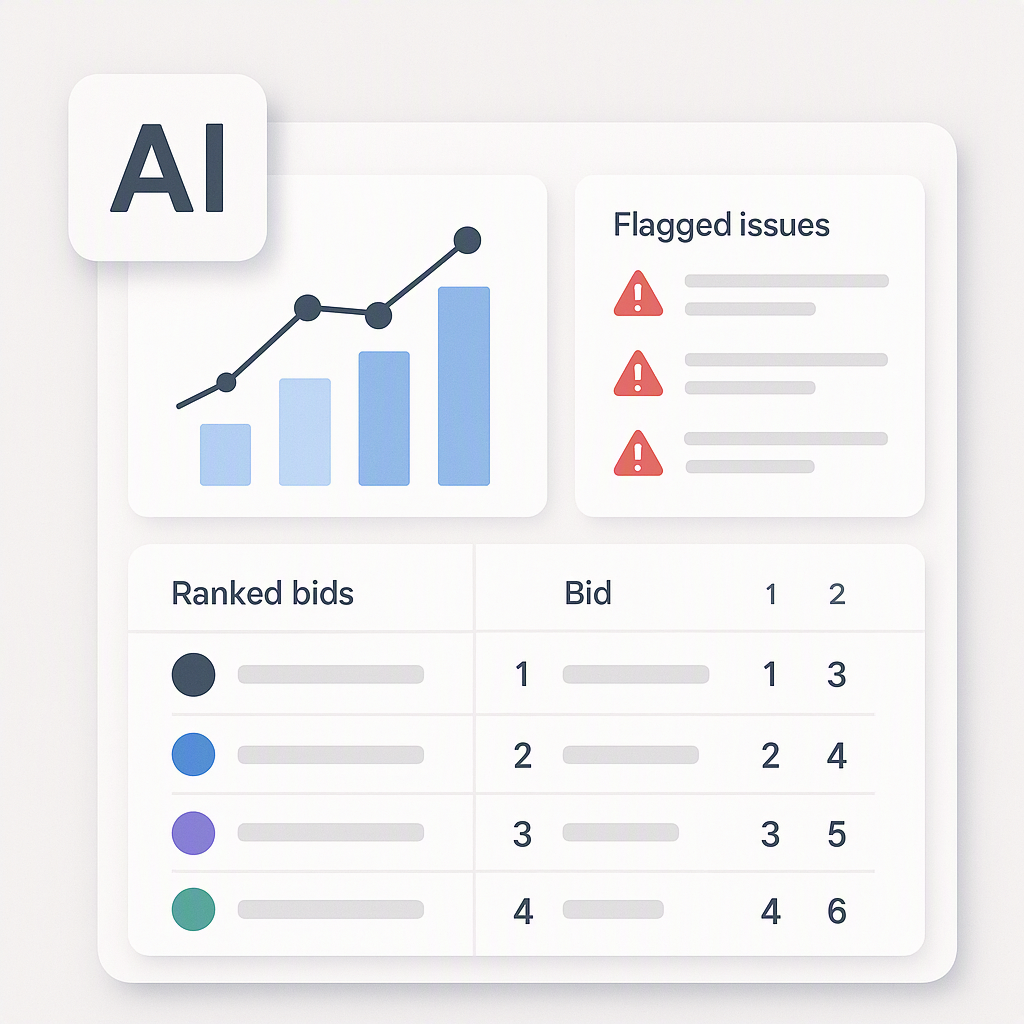
The system highlights exclusions buried in fine print, so you don’t miss critical details that could blow up your budget later.
How It Works: Advanced OCR (Optical Character Recognition) technology scans PDFs and other documents to identify exclusion keywords. You can customize the exclusion list to flag terms specific to your project.
Expanded Explanation: OCR isn’t just about text recognition—it can classify exclusions based on context. For instance, a clause like “excludes permits” might get flagged differently than “excludes decorative finishes,” allowing you to prioritize issues more effectively.
3. Bid Ranking
Once scopes are aligned, the tool ranks bids by cost, quality, and risk. You get a clear L1/L2/L3 breakdown in minutes, not hours.
How It Works: The AI assigns weight to factors like price, exclusions, and past subcontractor performance (if available). This allows you to evaluate bids holistically instead of focusing solely on cost.
Expanded Advice: You can often adjust the weighting system to align with your priorities. For example, you might prioritize safety performance over cost for high-risk projects. Make sure the tool is flexible enough to accommodate your unique needs.
By automating these tedious steps, AI tools save you hours and reduce the chance of costly oversights.
Common Objections: "Doesn’t AI Miss Context?"
A fair question. AI tools aren’t perfect, and they won’t replace human judgment entirely. But they’re not meant to. Think of them as a first pass. Instead of wasting hours aligning scopes manually, you can spend that time reviewing flagged issues and making strategic decisions.
Why Human Oversight Still Matters
While AI can identify discrepancies, it doesn’t always understand project-specific nuances. For example, a low bid flagged for missing trenching might still be viable if trenching is already covered under a separate contract. This is where your expertise comes in.
And the data backs this up. According to a 2023 McKinsey report, firms adopting digital tools for bid management see up to a 15% reduction in project delays. That’s because they catch problems earlier—before they snowball into costly rework.
What You Should Watch For
Not every AI tool is created equal. If you’re considering one for bid leveling, here are three things to look for:
1. Transparency
Does the tool show you how it arrived at its recommendations? Black-box systems can lead to trust issues. Look for platforms that provide an audit trail for every decision.
2. Integration
Does it play well with your existing stack? Tools like EstimateNext integrate seamlessly with Procore, Bluebeam, and Excel, so you don’t have to change your entire workflow.
3. Customization
Can you tweak the tool to fit your specific needs? Every contractor operates differently, so a one-size-fits-all approach won’t cut it.
Comparison Table: Manual vs. AI-Powered Bid Leveling
| Feature | Manual Process | AI-Powered Tools |
|---|---|---|
| Time to Level Bids | 4–8 hours per package | 30–60 minutes |
| Error Risk | High (human error) | Low (algorithm-driven checks) |
| Scope Alignment | Manual, prone to inconsistency | Automated and standardized |
| Cost of Missed Exclusions | High potential | Minimal |
| Audit Trail | None or limited | Comprehensive |
Bottom Line
Bid leveling doesn’t have to be a nightmare. With the right tools, you can save hours, reduce errors, and make smarter award decisions. If you’re ready to move beyond spreadsheets and email chains, EstimateNext can help. Get started today and see the difference AI-powered bid management makes.