"We Thought CMMS Was Just for Maintenance"
That’s what many in the construction industry might believe. Computerized Maintenance Management Systems (CMMS) are often associated with preventive maintenance, work order tracking, and asset management—keeping facilities running smoothly. While that’s true, CMMS can also make a significant difference in construction estimation. This potential often goes unnoticed until inefficiencies in traditional methods become apparent.
The Challenge of Traditional Estimation Methods
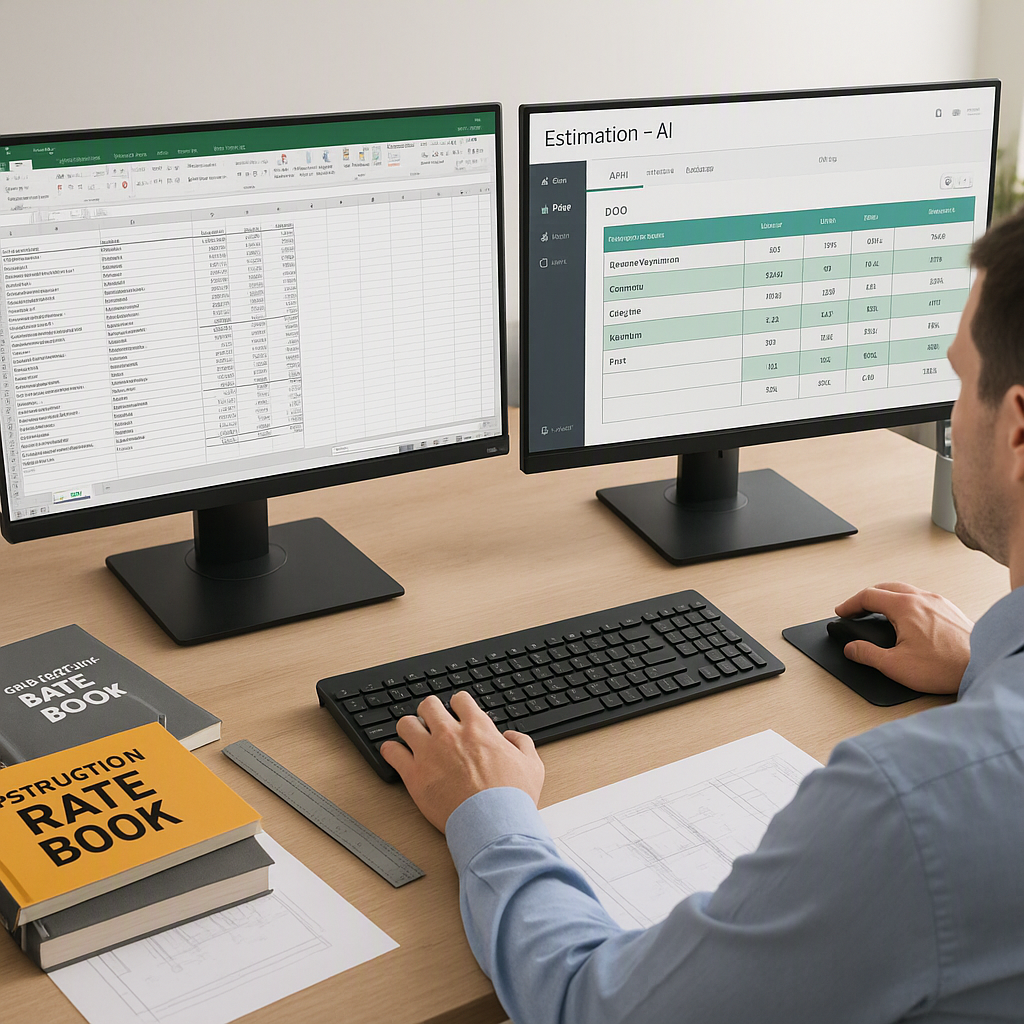
Construction estimation often involves reconciling multiple data sources, such as equipment lists, rate schedules, maintenance records, and project timelines. This process can be tedious, time-consuming, and error-prone, especially when relying on manual methods like spreadsheets or static PDFs. The key challenges include:
-
Data Fragmentation: Estimators often need to pull information from various disconnected sources. For example, equipment costs might be stored in one file, while maintenance histories are logged elsewhere, leading to inefficiencies.
-
Inaccurate Costing: Without precise tracking of operational costs, downtime, and maintenance schedules, estimates are often based on generalized assumptions rather than real-world data.
-
Human Error: Manual data entry and reconciliation increase the likelihood of errors, which can result in costly project overruns or disputes.
-
Reactive Planning: Traditional methods rarely account for preventive maintenance or unplanned downtime, leaving contractors scrambling to adjust mid-project.
These inefficiencies can cascade into larger problems as project timelines tighten, budgets shrink, and the demand for precision grows.
How CMMS Enhances Estimation Efficiency
CMMS software offers a range of features that can directly improve the accuracy and efficiency of construction estimation. Here’s how it works:
1. Asset Tracking Integration
CMMS links an asset database directly to the estimation process, providing:
- Real-Time Operational Costs: For example, if a piece of equipment is listed as available, the system can calculate its operational cost based on parameters like fuel consumption, wear-and-tear, and historical maintenance data. This eliminates manual cross-referencing and ensures that cost estimates are grounded in accurate, up-to-date information.
- Improved Accountability: With every asset logged, there’s no ambiguity about which equipment is available or how much it will cost to operate.
Actionable Steps:
- Digitize your equipment inventory and import it into the CMMS platform.
- Assign cost metrics (e.g., hourly fuel consumption, maintenance costs) to each piece of equipment.
- Regularly update asset data with real-world usage logs.
2. Preventive Maintenance Insights
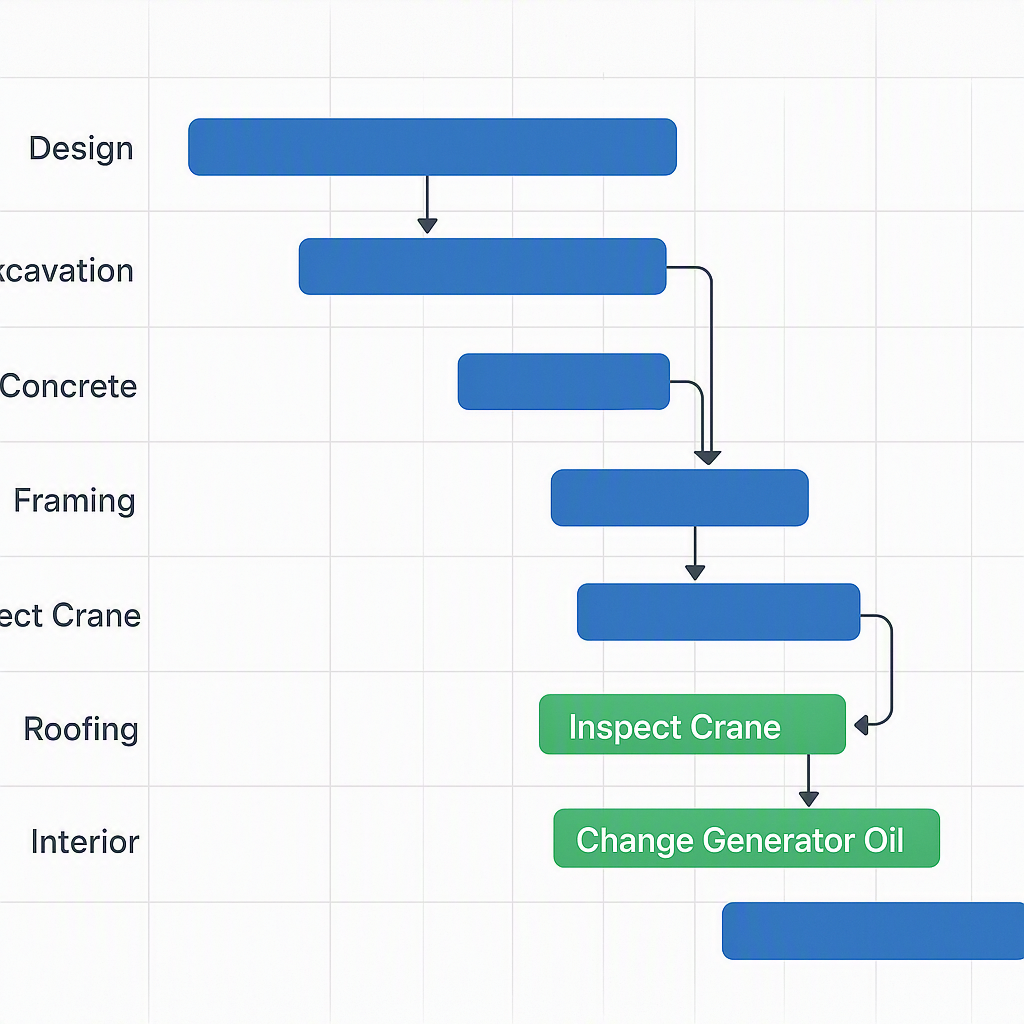
CMMS platforms can flag upcoming maintenance tasks during the project timeline. This allows contractors to:
- Plan for Downtime: By factoring in scheduled maintenance, estimators can adjust project timelines and allocate backup equipment in advance.
- Avoid Surprises: Preventive maintenance notifications reduce the risk of sudden, unplanned breakdowns, which can derail projects.
Actionable Steps:
- Set up preventive maintenance schedules for all critical equipment within the CMMS.
- Use the system’s calendar view to identify overlaps between maintenance windows and project timelines.
- Establish contingency plans for high-risk equipment.
3. Work Order History Analysis
Historical work orders stored in the CMMS provide valuable insights into labor and equipment costs for specific tasks. For instance:
- Task-Based Costing: CMMS can reveal the average time, labor, and equipment required for activities like earthwork, concrete pouring, or steel erection.
- Benchmarking: Contractors can compare past projects to refine their estimates for similar future projects.
Actionable Steps:
- Analyze historical work orders for recurring patterns or outliers.
- Use this data to create templates for common project activities.
- Share findings with your estimation team to align on realistic cost assumptions.
4. Real-Time Data Updates
Unlike static spreadsheets, CMMS platforms update asset availability and costs in real-time. For example:
- Dynamic Estimation: If an asset becomes unavailable or is scheduled for maintenance, the system flags it immediately, ensuring estimates are built on the most current information.
- Reduced Rework: Real-time updates prevent scenarios where estimates need to be recalculated mid-project due to outdated data.
Actionable Steps:
- Integrate CMMS with your project management tools to ensure seamless data flow.
- Train estimators to rely on the CMMS dashboard for real-time asset availability.
5. Scenario Planning
Many CMMS platforms allow users to run "what-if" scenarios, such as:
- Cost of Downtime: Estimators can model the financial impact of a critical asset breaking down during the project.
- Backup Plans: Simulate scenarios where alternative equipment or crews are needed, helping to create contingency budgets.
Actionable Steps:
- Use the scenario planning tool to test different project variables (e.g., alternative equipment schedules).
- Develop contingency budgets based on worst-case scenarios.
- Regularly revisit scenarios as project conditions evolve.
Overcoming Resistance to Change
The construction industry has traditionally relied on fragmented tools for estimation: spreadsheets for data, specialized software for takeoffs, and static rate schedules for pricing. Adding another tool like CMMS might seem unnecessary at first. However, the inefficiencies of traditional methods—such as spending hours reconciling data from multiple sources—become apparent when compared to the streamlined workflows enabled by CMMS.
Why Resistance Happens:
- Perceived Complexity: Teams may fear that CMMS will add another layer of complexity to their workflows.
- Cost Concerns: Initial software costs may deter smaller contractors.
- Lack of Awareness: Many contractors simply don’t realize how CMMS can enhance estimation.
How to Address It:
- Start Small: Implement CMMS on a pilot project to demonstrate its value.
- Provide Training: Ensure your team understands how to use the platform effectively.
- Highlight Quick Wins: Focus on immediate benefits like reduced downtime and improved accuracy.
Steps to Integrate CMMS into Estimation Workflows
-
Evaluate Your Needs: Identify current challenges in your estimation process. Are you struggling with tracking equipment costs, factoring in maintenance schedules, or managing data from multiple sources?
-
Choose the Right CMMS: Look for features like real-time asset tracking, maintenance scheduling, and integration with estimation tools. Ensure the software is adaptable to construction workflows, not just facilities management.
-
Start with a Pilot Project: Implement the CMMS on a smaller project to test its capabilities and identify any learning curve issues. Use this opportunity to train your team and refine workflows.
-
Integrate with Existing Tools: Many CMMS platforms can integrate with other software, such as rate databases or project management tools. This ensures a seamless flow of information across systems.
-
Monitor and Optimize: Continuously evaluate the impact of CMMS on your estimation process. Gather feedback from your team and look for areas where the software can be used more effectively.
FAQ
Q: Can CMMS replace traditional estimation tools?
A: No, it complements them. CMMS handles asset tracking and maintenance planning, while tools like rate databases and takeoff software focus on pricing and quantities.
Q: What’s the ROI for smaller contractors?
A: It depends on the scale of operations. Contractors managing a fleet of equipment may see significant time savings and cost reductions. For those relying on rented assets, the benefits might be less pronounced.
Q: How do I choose the right CMMS software?
A: Look for features like real-time asset tracking, maintenance scheduling, and integration with estimation tools. Avoid platforms designed solely for facilities management, as they may lack construction-specific capabilities.
Q: Does CMMS work for international projects?
A: Yes, but ensure the platform supports multi-currency and localized standards. Some tools may require customization to meet the specific needs of international projects.
Q: Is the learning curve steep?
A: It depends on the platform. Starting with a pilot project can help minimize disruption and allow your team to adapt gradually.
Comparison Table: Traditional Methods vs. CMMS-Enhanced Estimation
| Feature | Traditional Methods | CMMS-Enhanced Estimation |
|---|---|---|
| Data Accuracy | Prone to manual errors | Real-time updates from CMMS |
| Asset Availability | Manually tracked, often outdated | Automatically updated in real-time |
| Maintenance Planning | Rarely integrated | Fully accounted for in estimates |
| Scenario Planning | Limited or nonexistent | Built-in modeling capabilities |
| Efficiency | Time-intensive | Streamlined workflows |
Conclusion
CMMS software is more than just a tool for maintenance management. By integrating asset tracking, maintenance planning, and real-time data updates, it can transform the construction estimation process. While it may not be the perfect solution for every contractor, those managing large projects or extensive equipment fleets are likely to see significant benefits. By addressing inefficiencies in traditional methods, CMMS can help contractors create more accurate estimates, reduce unexpected costs, and improve project outcomes.