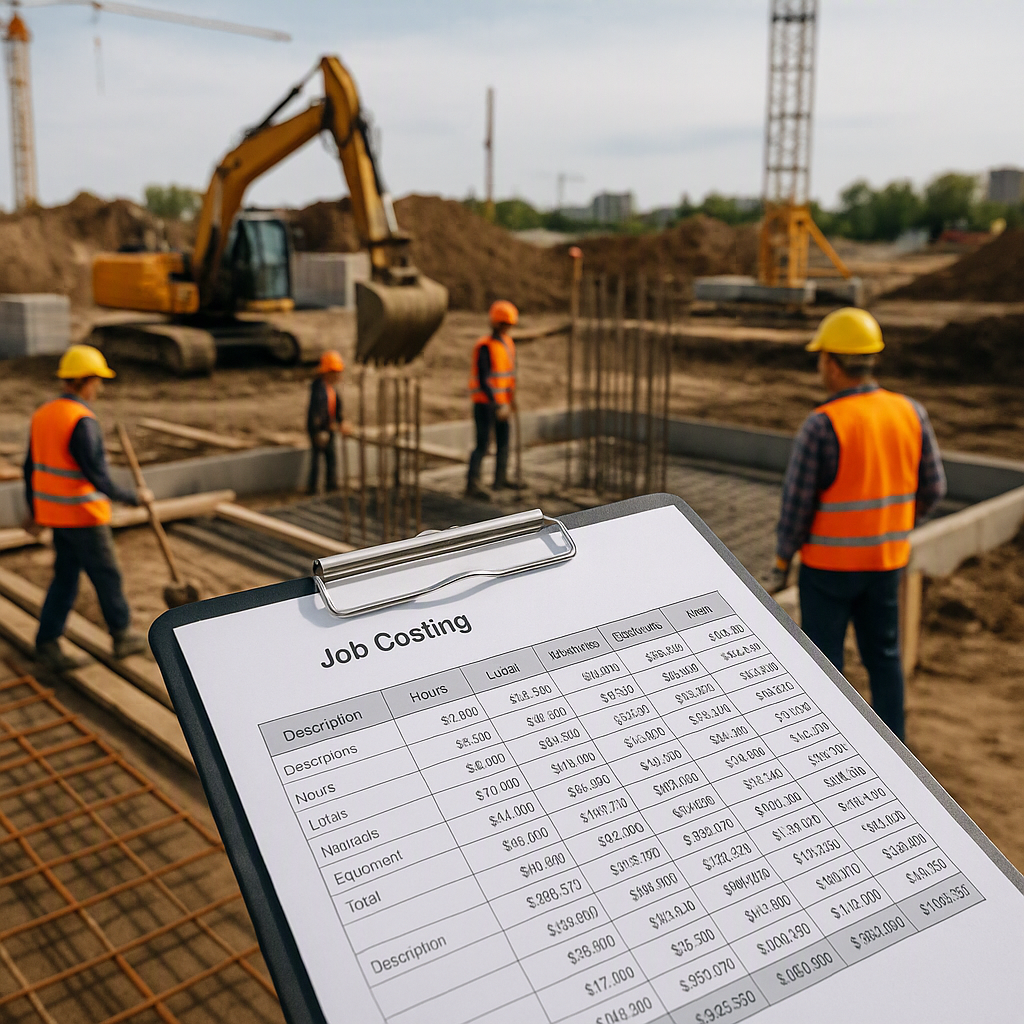
Why RA Bill Profitability Tracking Matters
If you've ever looked at your project books and wondered, "Where did the margin go?", you're not alone. Running Account (RA) bills are the backbone of cash flow in construction. But they’re also where profit leaks quietly pile up. Misaligned rates, untracked variations, and overlooked inflation adjustments can erode margins faster than you think.
Here’s the uncomfortable truth: many contractors rely on manual tracking for RA bill profitability. They patch together spreadsheets, email threads, and outdated rate books. It works—until it doesn’t. By the time you catch a problem, it’s already hit your bottom line.
Want to stop that? Let’s break down a practical system to track RA bill profitability and avoid margin erosion.
Step 1: Start with Defensible Rates
The foundation of profitability is accurate rate analysis. If your RA bill pricing is off—even slightly—you’re setting yourself up for disputes or losses down the line. Rates must account for:
- Material Costs: Including inflation and regional variations.
- Labor Rates: Adjusted for productivity factors and overtime.
- Equipment Costs: Factoring in depreciation and rentals.
- Overheads and Profit Margins: Configurable by project.
Example: How Inflation Creeps In
Let’s say your initial BOQ used ₹5,000/m³ for concrete. Six months later, the same concrete costs ₹5,300/m³ due to material price hikes. That ₹300/m³ discrepancy might seem small, but over 1,000 m³, you’ve just lost ₹3,00,000 in margin.
Actionable Steps
- Use Updated Rate Books: Always refer to the latest CPWD DSR or state SOR for market-aligned rates.
- Account for Inflation: Set a fixed percentage for inflation in long-duration projects (e.g., 5% per year).
- Benchmark Costs: Compare your rates to industry averages using tools like EstimateNext.
Modern tools automate inflation adjustments based on real-time market data. They allow you to set inflation thresholds and apply updates directly to your BOQ, ensuring your RA bill reflects current costs without manual intervention.
Step 2: Track Variations in Real-Time
Variations are inevitable. Scope changes, client requests, or unforeseen site conditions can all trigger additional work. The problem? Most teams track variations reactively—if at all. By the time the RA bill rolls around, they’re scrambling to justify costs.
Practical Tip:
Use a structured variation log. Every variation should include:
- Description: What changed and why.
- Cost Impact: Material, labor, and overhead breakdown.
- Approval Status: Is it client-approved or pending?
Actionable Steps
- Log Changes Immediately: Don’t wait until the RA bill cycle. Log all scope changes as soon as they occur.
- Standardize Formats: Use a template that includes description, cost impact, and approval status.
- Communicate Early: Notify clients of variations as soon as possible to avoid disputes during billing.
Tools like EstimateNext’s bid intelligence module allow variations to be logged directly into the BOQ. This ensures accurate cost tracking and eliminates the need to chase paper trails. You can also generate updated RA bills instantly, reducing approval delays.
Step 3: Automate Margin Tracking
One of the biggest challenges with RA bills is reconciling projected vs. actual margins. You might price the project at 12% profit, but by RA Bill #3, you’re down to 8%. Why? Hidden costs.
Common Culprits:
- Idle Equipment: Not accounted for in RA bills.
- Unbilled Work: Extra work completed but not invoiced.
- Rate Disputes: Clients pushing back on rates without data-backed justifications.
Solution: Real-Time Margin Dashboards
Margin tracking involves comparing:
- Initial BOQ Margins: Based on your bid.
- Approved RA Bill Margins: Adjusted for variations.
- Actual Margins: Using realized costs and revenue.
Actionable Steps
- Review Margins Monthly: Compare your expected margins to actuals every billing cycle.
- Track Idle Equipment Costs: Ensure rental or owned equipment downtime is reflected in your RA bills.
- Reconcile Unbilled Work: Cross-check site logs with pending invoices.
Modern dashboards highlight discrepancies early, allowing corrective action before the next RA bill. For example, if labor costs are trending higher than forecasted, you can renegotiate rates or adjust productivity targets.
Step 4: Build Audit Trails for Every Rate
Clients and auditors love one thing: traceability. If they question your RA bill, you need to show exactly how each rate was calculated—and why it’s fair. Without auditability, you’re stuck in endless back-and-forths.
How to Create Defensible Bills:
Every rate in your RA bill should have:
- Source Data: CPWD DSR, state SOR, or market rates.
- Adjustments: Inflation, productivity factors, or overrides.
- Approval History: Who approved the rate and when.
Actionable Steps
- Document Rate Sources: Maintain records of every source used for rate calculation.
- Use Software: Tools like EstimateNext automate this process by building comprehensive audit trails.
- Prepare for Scrutiny: Assume every rate will be questioned. Build reports that justify each adjustment.
Step 5: Simplify Reporting for Faster Approvals
RA bills often get delayed in approvals because they’re hard to understand. A long Excel sheet with cryptic formulas? That’s a red flag for any client.
Fix: Use Clear, Client-Ready Reports
Modern billing tools generate reports that are:
- Summarized: Showing totals by activity, quantity, and rate.
- Detailed: Breaking down material, labor, overhead, and profit for each line item.
- Compliant: Matching CPWD DSR or CESMM3 standards.
Actionable Steps
- Create Summary Sheets: Provide a high-level overview alongside detailed breakdowns.
- Highlight Key Changes: Note variations and rate adjustments upfront.
- Standardize Formats: Use templates that clients recognize and trust.
When clients see a transparent breakdown, disputes reduce, and approvals speed up—resulting in faster cash flow for your project.
Common Mistakes to Avoid
- Ignoring Small Variations: Even minor scope changes add up over time. Track everything.
- Overlooking Inflation: Use updated rates, not static ones from your original BOQ.
- Relying on Memory: Document every decision—don’t assume you’ll remember.
- Skipping Reviews: Always check RA bills for errors before submission.
- Not Using Tools: Manual tracking is a time sink. Invest in automation.
FAQ
Q: How often should I update RA bill rates? A: Ideally, every billing cycle. Use tools that automate inflation adjustments to save time.
Q: What’s the best way to track variations? A: Log them immediately, with cost impacts and approval status. Don’t wait until the next RA bill.
Q: How do I handle client disputes over rates? A: Provide audit trails that show rate sources and calculations. Transparency is your best defense.
Q: Can small contractors use these tools? A: Absolutely. Tools like EstimateNext scale to fit both small and large operations.
Q: What’s the benefit of automated reporting? A: Automated reports reduce errors, improve transparency, and accelerate client approvals.
Comparison Table: Manual vs Automated RA Bill Tracking
| Feature | Manual Tracking | Automated Tracking |
|---|---|---|
| Rate Updates | Requires manual input | Auto-adjusts for inflation |
| Variation Logging | Reactive | Real-time logging |
| Margin Tracking | Prone to errors | Instant dashboards |
| Audit Trails | Hard to compile | Built-in traceability |
| Reporting | Time-consuming | Client-ready reports |
Final Thoughts
RA bill profitability tracking isn’t optional if you care about margins. With the right processes and tools, you can catch leaks before they become floods.
If you’re tired of manual tracking and margin surprises, EstimateNext can help. From real-time rate adjustments to defensible audit trails, it’s designed for contractors who want to work smarter.