Why Reading CPWD DSR Feels Like a Nightmare
If you've ever bid on a public project in India, you've dealt with CPWD's Delhi Schedule of Rates (DSR). It’s the bible for rate compliance — but also a pain in the neck. Thousands of items across 19 catalogs, inflation adjustments buried in circulars, and GST rules layered on top. Miss one detail and your bid can be tossed out before anyone even reads it.
But here's the good news: it doesn't have to be this hard. Contractors who understand how to navigate DSR can save time, avoid errors, and submit more competitive bids. Let’s break it down step by step.
Step 1: Understand the Structure of DSR
The CPWD DSR is split into multiple volumes, each covering different trades. For example:
- Vol I - Civil Works: Includes basic construction items like RCC slabs, brick masonry, plastering.
- Vol II - Electrical Works: Covers wiring, fixtures, and panels.
- Vol III - Plumbing/Sanitation: Includes pipes, valves, and fittings.
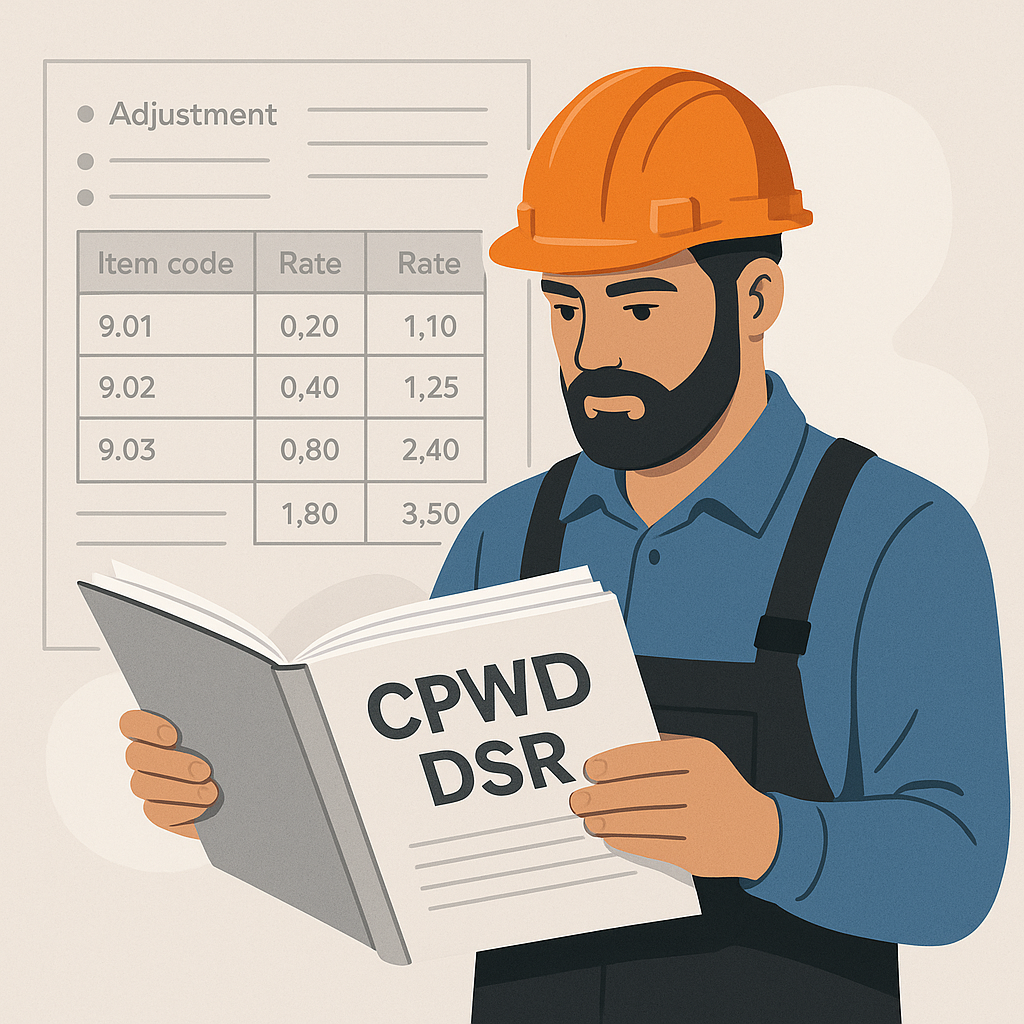
Each item in the DSR has a unique code, followed by a detailed rate breakdown:
| Item Code | Description | Material Cost | Labor Cost | T&P Cost | Total Rate |
|---|---|---|---|---|---|
| 5.32.2 | RCC M30 Slab | ₹4,800/m³ | ₹2,000/m³ | ₹600/m³ | ₹7,400/m³ |
Illustrative example — real rates depend on the latest circulars.
Step 2: Find the Right Catalogs
Not all projects use the same catalog. Before diving into rates, confirm:
- Which state's SOR applies: CPWD DSR is standard for central government projects, but regional tenders may require state-specific SORs like Maharashtra PWD or Rajasthan RUIDP.
- Applicable fiscal year: Rates adjust annually, so using outdated catalogs can disqualify your bid.
- Cost Index Updates: CPWD issues inflation adjustments periodically. These circulars modify rates by percentages for labor, materials, and equipment. Find them on CPWD's official site.
Step 3: Apply Cost Index Adjustments
Illustrative example — Let’s say CPWD issues a circular increasing labor rates by a certain percentage and materials by another percentage. Here’s how you’d adjust an RCC item:
| Component | Base Rate | Adjustment | Adjusted Rate |
|---|---|---|---|
| Material | ₹4,800 | +X% | ₹Y |
| Labor | ₹2,000 | +Z% | ₹W |
| T&P | ₹600 | No change | ₹600 |
| Total | ₹7,400 | — | ₹Updated |
Rates are adjusted per circular instructions. Doing this manually for hundreds of BOQ lines can be time-consuming. Tools that automate these adjustments by parsing circulars and recalculating rates across your entire BOQ can save significant time.
Step 4: Break Down DSR Rates
DSR rates aren’t just lump sums — they’re broken into components:
- Material Cost: Includes cement, steel, aggregates, etc.
- Labor Cost: Skilled/unskilled labor rates per item.
- Tools & Plant (T&P): Costs for machinery like mixers or scaffolding.
- Overheads and Profits: Typically a percentage added to the base rate.
- GST: Tax applied per item.
Understanding these components lets you tweak rates for regional variations. For example, labor costs in Bihar differ from Delhi, but GST rules stay the same.
Step 5: Use DSR for Tender Compliance
Many government tenders require rate compliance with specific DSR codes. Missing a code or using the wrong year’s rates can disqualify your bid. To avoid this:
- Cross-check BOQ items: Ensure every line matches a DSR code.
- Audit rates: Verify calculations against the latest circulars.
- Standardize formats: Submit BOQs in CPWD’s preferred layout (Excel, CSI MasterFormat, etc.).
Automated tools can simplify this by matching BOQ items to DSR codes and providing audit trails.
Common Mistakes When Reading DSR
- Ignoring Circular Updates: Rates can change mid-year, so always check for the latest Cost Index.
- Misinterpreting Codes: Codes are specific — 5.32.2 isn’t the same as 5.32.1. Double-check descriptions.
- Overlooking GST Rules: GST is applied differently for intra-state vs inter-state projects. Get this wrong and you’ll face penalties during audits.
- Manual Errors: Copy-pasting rates into Excel increases the risk of typos. Use automated tools to avoid this.
FAQ
Q: How often does CPWD update DSR rates?
A: Typically once a year, but Cost Index adjustments can happen periodically. Stay updated via CPWD’s website.
Q: Can I use CPWD DSR for state projects?
A: Yes, but confirm the tender allows it. Many states have their own SORs.
Q: How do I adjust rates for inflation?
A: Apply percentages from the latest Cost Index circular to each BOQ item.
Q: Is GST included in DSR rates?
A: No, GST is added separately based on item type and state rules.
Q: What happens if I use outdated rates?
A: Your bid could be rejected for non-compliance. Always use the latest DSR and circular updates.
Conclusion: Don’t Let DSR Hold You Back
Navigating CPWD DSR can feel overwhelming, but it’s a skill every contractor needs. Use the steps above to stay compliant, save time, and submit better bids.