I Used to Think Rate Lookup Was Just Part of the Job
When I started working with construction estimation, I thought rate lookup was a necessary evil. If you’ve ever dealt with CPWD DSR (Central Public Works Department Schedule of Rates) or state PWD SORs (Public Works Department Schedule of Rates), you know the drill. Thousands of pages. Endless scrolling. Searching for the right rate for every line item in your BOQ (Bill of Quantities). It felt like a rite of passage — painstakingly flipping through PDFs or thumbing through printed books, hoping to find the right rate for, say, plastering or RCC (Reinforced Cement Concrete).
I told myself, “It’s just how things are. Everyone does it this way.” And the hours spent manually searching for rates? I chalked it up to the cost of doing business.
The Moment It Changed
I remember the exact project that broke me. A ₹50 crore government tender for a university campus in 2020. The BOQ was massive — almost 250 pages. The CPWD DSR, at over 2,000 pages, was a beast. Each time I found a relevant rate, I’d jot it down, only to realize I’d missed a variation on another page. By the time I was done, what should have been a three-day process stretched into a week, and I was working late nights to meet the submission deadline.
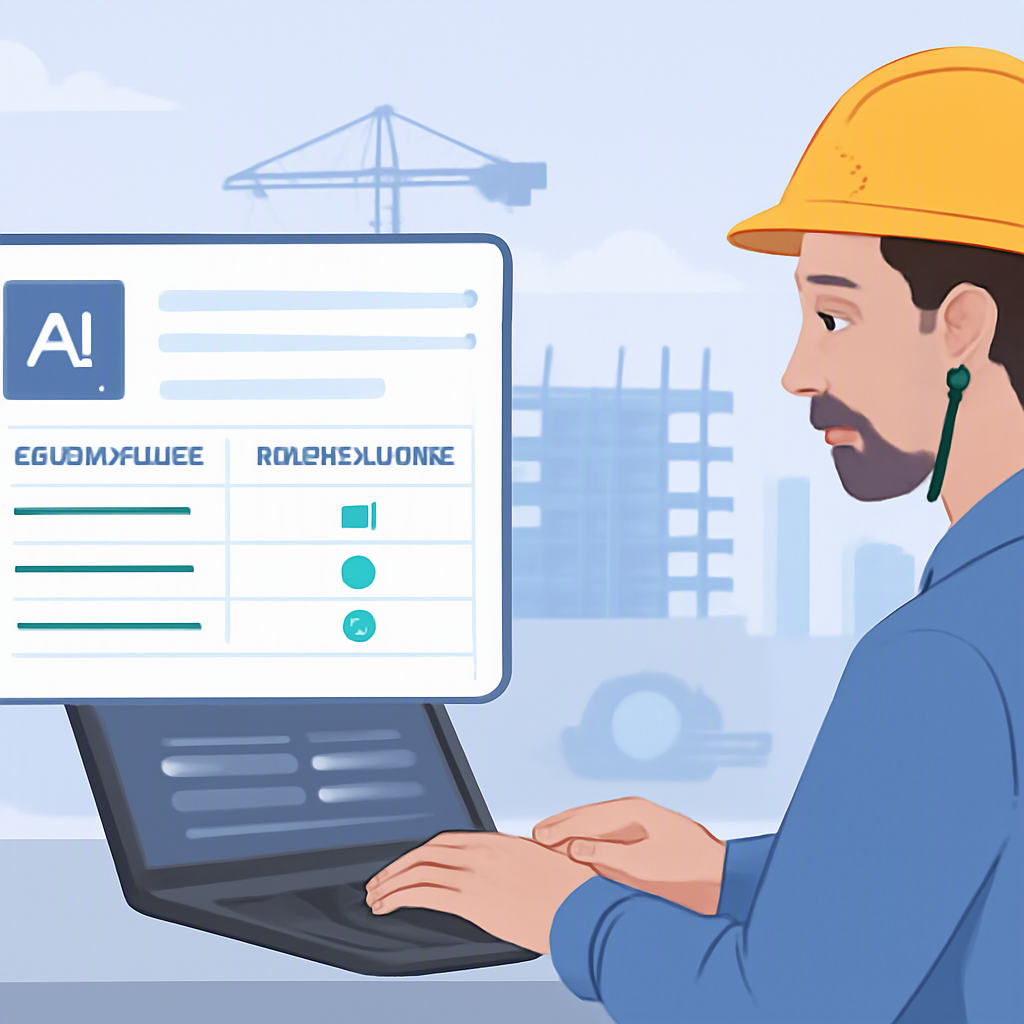
Then I came across EstimateNext. I wasn’t looking for a savior. I was just curious about AI-powered tools and their promises to simplify estimation. When I tested their semantic search feature — which scanned my BOQ and pulled matching rates from CPWD DSR in seconds — I was stunned. It was as if the tool had read my mind. Quantities were matched to rates with source references, confidence levels, and an audit trail. I didn’t have to spend hours flipping pages.
How Semantic Search Works
Semantic search is different from traditional keyword search. Instead of merely looking for exact keyword matches, it understands the intent behind your query and contextually identifies related information. For instance, if your BOQ specifies "Plastering with cement mortar," the tool doesn’t just look for those keywords — it understands that this could mean "Plastering with 1:4 cement mortar" or "Plastering with 1:6 cement mortar" depending on the specifics. This eliminates ambiguity and ensures faster, more accurate matches.
Why It Took Me So Long to Change
Looking back, I realize I was too stuck in my ways. The system I used — PDFs, Excel sheets, and manual lookup — was inefficient, but at least it was familiar. Plus, I’d seen expensive estimation tools before, like CostX and ProEst, but for a small-to-mid-sized contractor, their costs were prohibitive. ₹4-5 lakh per year per seat? Not happening.
It didn’t help that I was skeptical of AI. Sure, it sounded fancy, but I assumed it would require a ton of training or spit out results that were only half-right. It wasn’t until I saw the precision of EstimateNext — and realized their monthly plan was a fraction of the price of CostX — that I decided to try it on a real project.
In fact, by 2026, the construction ERP software market is expected to experience a significant boom due to the rise of cloud-based solutions and advancements in AI, according to a report on construction ERP software trends. AI-powered solutions are now being used to automate routine tasks like scheduling and risk analysis, which can significantly enhance efficiency and accuracy in construction estimation.
Comparing Manual Lookup vs. AI-Powered Tools
| Feature | Manual Lookup | AI-Powered Tools (e.g., EstimateNext) |
|---|---|---|
| Speed | Hours to days | Minutes |
| Accuracy | Prone to human error | High accuracy with audit trail |
| Customization | Limited | Inflation adjustments, regional variations |
| Cost | Low upfront but high labor cost | Affordable subscription plans |
| Ease of Use | Familiar but tedious | Intuitive interface, minimal learning curve |
| Scalability | Challenging for large BOQs | Handles large, complex BOQs effortlessly |
What We Do Differently Now
Today, rate lookup doesn’t eat into my time. When a BOQ comes in, I upload the file to the EstimateNext platform. The smart parser handles everything — merged cells, section headers, nested hierarchies. Then the AI matches each line item to the correct CPWD DSR or state PWD SOR rate. If the match isn’t perfect, I can adjust it manually, but the tool’s confidence scores usually keep me from second-guessing.
Actionable Steps to Streamline Rate Lookup
-
Digitize Your BOQ: Ensure your BOQ is available in an editable and searchable format like Excel or Word. This reduces the time spent on manual data entry.
-
Use a Smart Rate Lookup Tool: Invest in a tool like EstimateNext that can parse documents and match line items to standard rates.
-
Verify Matches: While AI tools are highly accurate, use the confidence scores and audit trails to double-check critical rates.
-
Customize for Your Region: Adjust rates for inflation and regional variations in labor, materials, and equipment costs.
-
Export to Standard Formats: Ensure your rate lookup tool integrates seamlessly with your preferred estimation software or allows exports to commonly used formats.
Why Transparency Matters
One common fear with automation is the lack of control or insight into how decisions are made. This is where tools like EstimateNext shine. By providing an audit trail and confidence levels for each match, they make it easy to track and verify the source of each rate, ensuring transparency. This feature also helps mitigate risks of errors in tenders, giving contractors the confidence to submit bids quickly.
What Being Wrong Cost
Sticking to manual rate lookup didn’t just waste time; it cost us opportunities. We missed bid deadlines. We submitted estimates with errors because someone misread a rate or forgot to update it. Worst of all, we had no time to optimize our bids, which meant we probably left money on the table more often than I’d like to admit.
But the cost wasn’t just monetary. The frustration and stress of late nights and rushed submissions took a toll on the team. Burnout is real in construction estimation, and inefficient processes only make it worse. By adopting better tools, we’ve reclaimed time and improved team morale.
The Takeaway
If rate lookup feels like a nightmare, it doesn’t have to be. Tools like EstimateNext are changing how contractors approach estimation — cutting hours of tedious work down to minutes. The result? Faster bids, fewer errors, and more profitable projects. Instead of wasting time on manual searches, you can focus on what really matters: creating competitive bids and winning projects.
For contractors of all sizes, the shift to AI-powered tools isn’t just a nice-to-have — it’s a strategic advantage. If you’re still relying on outdated methods, it’s time to reconsider. The hours saved and the improved accuracy will not only reduce stress but also open doors to bigger and more profitable opportunities.