Why Your Construction Accounting Software Isn’t Enough
Most construction companies start with generic accounting software. And why not? It seems like a safe choice. QuickBooks, Tally, or even Excel—these are familiar tools that get the basics done: payroll, invoicing, and tax calculations. But here’s the truth nobody tells you: these tools weren’t built for construction.
They’re great at tracking expenses for a bakery or a small retail shop. But construction projects come with unique complexities—job costing, tracking multiple projects, managing subcontractors, and accounting for materials, labor, and equipment on a granular level. According to a 2023 review from Forbes, Buildxact was ranked as the best construction accounting software because of its ability to handle these specific challenges with precision.
So what happens? You end up creating a Frankenstein monster of spreadsheets, PDFs, and manual processes. You’re constantly flipping between tabs, hunting for the right numbers, and trying to connect the dots. And when something changes—say, steel prices shoot up or a subcontractor’s quote changes—you’re stuck manually updating everything. It’s like trying to run a marathon with a broken leg. Sound familiar?
The Problem: Why Job Costing Is the Achilles' Heel
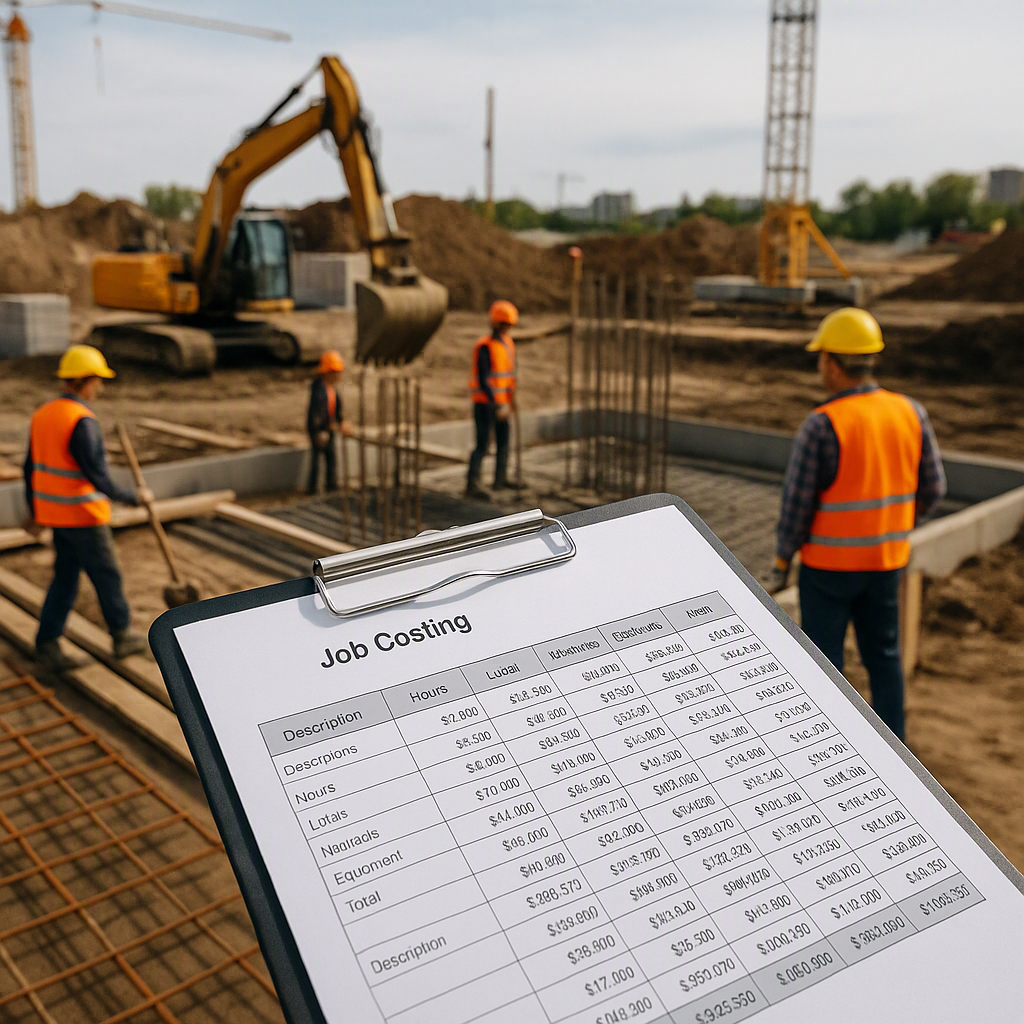
Here’s the real issue: generic accounting tools don’t prioritize job costing. Job costing means breaking down every single cost—labor, materials, equipment—not just for the project as a whole, but for every phase, trade, and task.
Why does this matter? Because construction isn’t a single transaction. It’s a series of interconnected tasks, each with its own costs and timelines. Without job costing, how do you know if your drywall contractor's quote is reasonable? How do you track overruns in excavation versus electrical installations? How do you know if you’re making or losing money until it’s too late?
In fact, Baker Tilly, ranked in Vault-Firsthand’s top 10 best construction accounting firms in 2023, emphasizes that proper job costing is critical to maintaining profitability in construction projects. Without it, contractors often face unforeseen cost overruns that eat into their margins.
How Job Costing Works in Construction
To understand job costing, let’s break it down into actionable components:
-
Labor Costs: Calculate the hourly or daily wages for workers, including overtime and benefits. For example, if a plumber is paid $25/hour and works 10 hours, your labor cost for that day is $250.
-
Material Costs: Track every material used for the job. For a roofing project, this could include shingles, nails, sealant, and tar paper. Record the quantity of each material and their costs to know exactly how much has been spent.
-
Equipment Costs: Rental or usage costs for machinery like excavators, cranes, or trucks. Allocate costs based on hourly or daily usage.
-
Overhead: Factor in indirect costs like administrative expenses, insurance, and utilities. These are spread across all projects and need to be proportionally allocated.
-
Profit Margins: Once all costs are accounted for, add a markup percentage to ensure profitability.
Generic accounting software doesn’t allow you to break down costs like this. You’re left relying on spreadsheets and manual calculations, which increases the chance of errors and eats up valuable time.
The Wake-Up Call
We used to think any accounting software would do. After all, we could always patch gaps with spreadsheets, right? Well, not quite. We learned that the hard way when one of the contractors we worked with missed a bid deadline. Why? Because they couldn’t pull together a job-costed estimate in time. They spent two days manually updating rates from a CPWD DSR PDF, juggling Excel sheets, and cross-referencing subcontractor quotes. By the time they were done, the submission window had closed.
That was their wake-up call. It was ours too.
Why We Held on to the Old Way
So, why did we stick with generic accounting tools for so long? Let’s break down the reasons:
-
Cost Concerns: Specialized construction software seemed expensive. Spending thousands of dollars on tools like CostX or ProEst felt like a stretch for mid-sized contractors. And yes, there’s an upfront cost to adopting any new tool. But what many fail to consider is the long-term savings. How much time is wasted every week on manual calculations? How many bids are lost due to inefficiencies? These hidden costs add up faster than you think.
-
Comfort Zone: Everyone knows Excel. It’s comfortable, familiar, and doesn’t take a week of training to learn. Accounting teams often resist change, and contractors don’t want to disrupt their workflows. But sticking to old methods can keep teams locked into inefficiency.
-
Skepticism Toward New Tech: Let’s be honest—construction isn’t exactly a tech-forward industry. Many contractors are skeptical of AI-powered tools or cloud-based platforms. They want to see proof before they buy in. However, the industry is shifting as younger, tech-savvy professionals are entering the field, pushing for modernization.
What Changed Our Minds
Then we came across tools like EstimateNext. Unlike one-size-fits-all accounting software, it was built specifically for construction workflows. And the kicker? It solved that exact problem of job costing and rate lookups—two of the biggest time sinks in preconstruction.
How EstimateNext Simplifies Construction Accounting
Here’s an example: say you’re pricing a CPWD project. Normally, you’d spend hours flipping through a 2,000-page DSR PDF, trying to find the right rates. EstimateNext does that in seconds. It uses semantic search across 78,000+ SOR items from CPWD and state PWD catalogs. You type in a description, and boom—there’s your rate. It even breaks it down into material, labor, and equipment costs with full transparency.
And the job costing? It’s built into the software. Here’s how it works:
-
Upload Your BOQ: Import your bill of quantities (BOQ) in Excel or PDF format. The system parses the data and organizes it into categories.
-
Rate Matching: Use the built-in semantic search to match rates from CPWD or PWD catalogs.
-
Automated Cost Calculations: The software calculates costs for labor, materials, and equipment while applying overhead and profit margins.
-
Real-Time Updates: Change one rate—say, for steel—and the system propagates the update across your estimate instantly. No need to manually hunt for every reference.
What We Do Differently Now
After that experience, we stopped trying to make generic tools fit construction workflows. Here’s what we focus on now:
-
Prioritizing Job Costing: We only recommend software with robust job costing capabilities. That’s non-negotiable. If a tool can’t break down costs by task, trade, and phase, it’s not worth your time or money.
-
Leveraging AI for Rate Matching: Tools like EstimateNext have shown us how much time AI can save. Instead of flipping through PDFs, we now use platforms that offer instant rate matching, saving hours of manual work.
-
Centralized Workflows: Whether it’s takeoff, estimation, or accounting, we look for tools that integrate seamlessly. Copy-pasting between Excel sheets is a thing of the past.
-
Embracing Cloud-Based Solutions: While some contractors may mistrust cloud-based tools, we’ve come to appreciate the accessibility and collaboration they offer. Team members can access the same data from different devices, ensuring everyone stays on the same page.
What We’re Still Figuring Out
We’re not saying everything is perfect. AI tools like EstimateNext are great for preconstruction, but they don’t yet integrate directly with accounting platforms like Tally or QuickBooks. That’s still a gap. If you’re stuck reconciling estimates with your accounting system, you’ll need a workaround for now—like exporting reports and uploading them manually.
And let’s be real: no tool will fix bad data or poor processes. If your rates are outdated or your team doesn’t buy into the new system, you’ll still struggle. Technology is a tool, not a magic wand.
Comparison: Generic Accounting Software vs. Construction-Specific Software
| Feature | Generic Accounting Software | Construction-Specific Software |
|---|---|---|
| Job Costing | Limited | Robust, detailed per task/trade |
| Rate Matching | Manual | Automated via semantic search |
| Change Order Management | Not included | Built-in functionality |
| Integration with Estimation Tools | Rare | Common |
| Ease of Use | High | Moderate (requires training) |
| Cost | Low upfront costs | Higher upfront costs, long-term savings |
The Bottom Line
If you’re still using generic accounting software for your construction company, you’re leaving money and time on the table. Job costing isn’t just a feature—it’s the backbone of financial management in construction. Tools like EstimateNext make it easier, faster, and far less error-prone.
Construction-specific software is no longer a luxury—it’s a necessity. The sooner you upgrade, the sooner you can streamline your workflows, win more bids, and increase profitability.
Want to see how it works? Get started today →