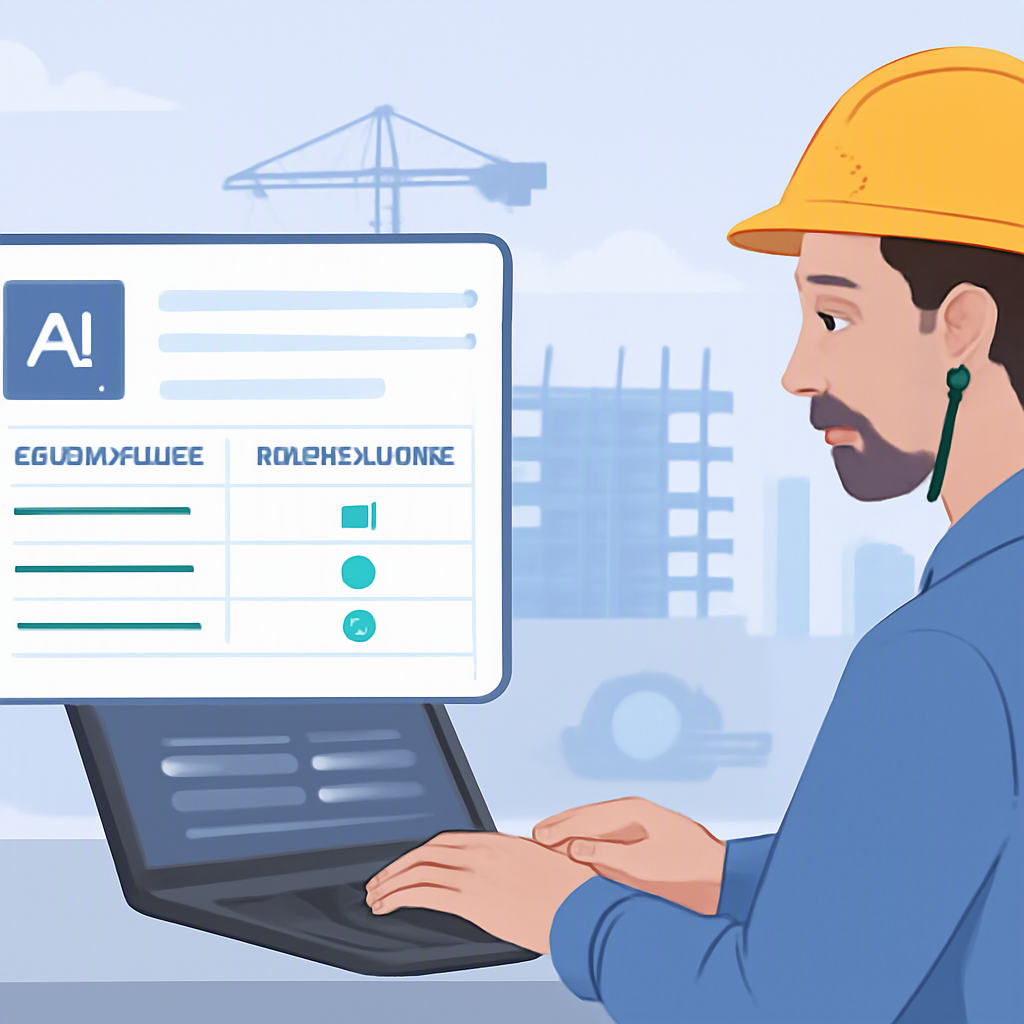
Improving Expense Management in Construction: A Practical Guide
Managing expenses in construction projects can be a time-consuming and error-prone process. Traditional manual methods often lead to inefficiencies, delays, and inaccuracies that can negatively impact project margins. This guide explores the challenges of manual expense management and provides practical steps to streamline the process using modern tools and methods.
The Challenges of Manual Expense Management
Traditional expense management in construction typically involves:
-
Manual Data Entry: Receipts, invoices, and expenses are often logged into spreadsheets or paper records, increasing the risk of errors. The manual nature of this task makes it prone to mistakes such as duplicate entries, missed expenses, or incorrect categorization. For example, misclassifying a cost as indirect overhead instead of a direct project expense can distort project profitability metrics.
-
Rate Lookups: Contractors frequently refer to CPWD DSRs or state SORs, which can be cumbersome and time-intensive. These rate schedules are often dense, requiring careful navigation to locate the correct information. In addition, using outdated rates can lead to underquoting or overquoting, both of which can harm project margins or competitiveness during bidding.
-
Reconciling Costs: Matching budgeted expenses with actual spending is often delayed until the end of a project. This delay makes it difficult to identify discrepancies or cost overruns in real time, meaning corrective action is often reactive rather than proactive. This lack of visibility can snowball into significant financial losses by project completion.
-
Approval Delays: Expense approvals can become bottlenecks when documentation is misplaced, incomplete, or unclear. These delays can disrupt cash flow, hold up vendor payments, and ultimately lead to strained relationships with suppliers or subcontractors.
These inefficiencies not only consume valuable time but also increase the likelihood of financial losses, reduced project margins, and missed opportunities.
Why Manual Processes Persist
Despite their drawbacks, manual processes remain common in construction expense management for several reasons:
- Familiarity: Many professionals are accustomed to traditional methods like spreadsheets and paper receipts, which can feel "safe" due to their long-standing use.
- Cost Concerns: Advanced tools are often perceived as expensive, making them seem out of reach for smaller firms or projects with tight budgets.
- Fear of Change: Transitioning to new systems can feel risky, especially for firms that worry about low adoption by staff or the potential for disruptions during implementation.
- Perceived Complexity: Some may feel that digital tools are too complex or require technical expertise, creating a barrier to adoption.
While these reasons are understandable, they often come at the expense of efficiency, accuracy, and profitability in the long run.
Modern Approaches to Expense Management
Adopting modern tools for expense management can significantly improve efficiency and accuracy. Here are actionable steps and comparisons to guide this transition:
-
Automated Rate Lookups
- How It Helps: Tools with automated rate lookups eliminate the need to manually search through CPWD DSRs or state SORs. These platforms can cross-reference BOQ (Bill of Quantity) line items with up-to-date rates, ensuring accuracy and cutting down on time spent searching.
- Actionable Step: Identify platforms that provide preloaded rate schedules relevant to your region and industry. Verify how often they update their rate databases to ensure compliance with regulatory changes.
- Comparison: Manual lookups may take hours and are prone to human error, whereas automated systems complete the same task in minutes with a higher degree of reliability.
-
Real-Time Cost Tracking
- How It Helps: Digital tools can integrate with material procurement systems to provide real-time updates on expenses. This is critical for materials like cement and steel, where prices can fluctuate daily.
- Actionable Step: Choose a platform that offers integrations with your existing procurement and accounting systems. Look for features like alerts for price changes or budget thresholds.
- Comparison: Traditional methods rely on periodic (often monthly) reconciliations, which can leave project managers in the dark about cost overruns until it’s too late. Real-time tracking, by contrast, provides immediate visibility, enabling proactive decisions.
-
Streamlined Expense Approvals
- How It Helps: Automating the expense approval process removes bottlenecks by ensuring that all required documentation is available digitally and routed to the correct approver.
- Actionable Step: Implement a tool that allows multi-level approvals and audit trails. Ensure it is accessible via mobile devices to facilitate on-the-go approvals.
- Comparison: Manual approvals are slow and prone to errors, while digital systems ensure faster processing and better accountability.
-
Scenario Analysis
- How It Helps: "What-if" analysis tools allow contractors to model the impact of variables like material price increases or labor shortages. This provides more flexibility and foresight compared to static spreadsheets.
- Actionable Step: Test the scenario analysis feature by simulating a 10% price hike in key materials and observing how it affects your overall budget.
- Comparison: Manual methods often limit the ability to test multiple scenarios quickly, whereas digital tools allow for instant adjustments and insights.
-
Integration with Accounting Systems
- How It Helps: Some platforms connect seamlessly with accounting software like QuickBooks or Tally, enabling automatic generation of financial reports.
- Actionable Step: Before purchasing, confirm compatibility with your accounting software. Evaluate how the integration minimizes duplicate data entry.
- Comparison: Non-integrated systems require manual reconciliation between project expenses and company accounts, increasing workload and risk of errors.
Benefits of Modern Expense Management Tools
By transitioning to modern tools, construction professionals can achieve:
- Time Savings: Automation reduces time spent on repetitive tasks like data entry or rate lookups.
- Improved Accuracy: Digital systems minimize human errors, ensuring reliable financial data.
- Enhanced Efficiency: Real-time updates and streamlined workflows allow teams to focus on higher-value tasks.
- Better Decision-Making: Access to accurate, up-to-date information supports informed decisions that protect project margins.
Challenges in Adopting New Tools
While the benefits of modern tools are clear, adoption comes with its own set of challenges:
- Learning Curve: Employees may need training to use new systems effectively.
- Integration Issues: Not all tools seamlessly integrate with legacy systems, requiring additional effort to align workflows.
- Initial Costs: While many tools are cost-effective, upfront expenses can be a barrier for smaller firms.
Steps to Transition Successfully
To ensure a smooth transition to modern expense management tools, follow these steps:
- Assess Your Needs: Audit your current processes to identify inefficiencies and prioritize features that address those pain points.
- Research Tools: Compare solutions based on cost, ease of use, and integration capabilities. Look for user reviews and case studies for insights.
- Start Small: Begin with a pilot project to test the tool’s functionality and gather user feedback.
- Provide Training: Conduct training sessions for your team to ensure adoption and proficiency.
- Monitor and Adjust: Continuously evaluate the tool’s performance and refine its use to maximize ROI.
Comparison Table: Manual vs. Modern Expense Management
| Feature | Manual Processes | Modern Tools |
|---|---|---|
| Data Entry | Time-consuming, error-prone | Automated and accurate |
| Rate Lookups | Manual, slow, and outdated | Automated and up-to-date |
| Cost Tracking | Periodic, lacks real-time insights | Real-time, proactive |
| Approval Workflow | Prone to delays | Streamlined and mobile-friendly |
| Scenario Analysis | Limited | Flexible and instant |
| Integration with Systems | Non-existent | Seamless |
By embracing modern expense management solutions, construction professionals can overcome the limitations of manual processes and position their businesses for greater success.