
The Hidden Cost of Billing Errors in Construction
Billing mistakes don’t just hurt your margins — they cripple your cash flow. Imagine this: you’ve completed 80% of a project, but your client pays only 60% of the RA bill because of a missed measurement update. Multiply that across 10 simultaneous projects, and you’re staring at ₹50 lakh in delays or lost revenue. This is the reality for many contractors running manual billing workflows.
Billing errors aren’t just accounting mistakes; they’re operational inefficiencies that bleed into every aspect of your business. Let’s break down why these errors happen, what they cost contractors, and how technology can provide a sustainable solution.
Why Manual Billing Breaks Down
Manual billing systems rely on spreadsheets, emails, and, let’s be honest, memory. That’s fine when you’re managing one project. But when you’re juggling 20 jobs across multiple sites, errors creep in. Common issues include:
- Misaligned Progress Measurements: For example, subcontractor claims may show they’ve completed 70% of their work, but site audits reveal only 50%. Manual oversight often misses these discrepancies.
- Incorrect Billing Methods: A contractor may apply stage-wise billing when the contract specifies RA billing. This mismatch can lead to disputes and delayed payments.
- Missed Deductions: Penalties for delayed work, retention amounts, and statutory deductions like GST or TDS often slip through the cracks in manual systems.
- Forgotten Invoices: An invoice for supply BOQ might be overlooked entirely, delaying revenue collection.
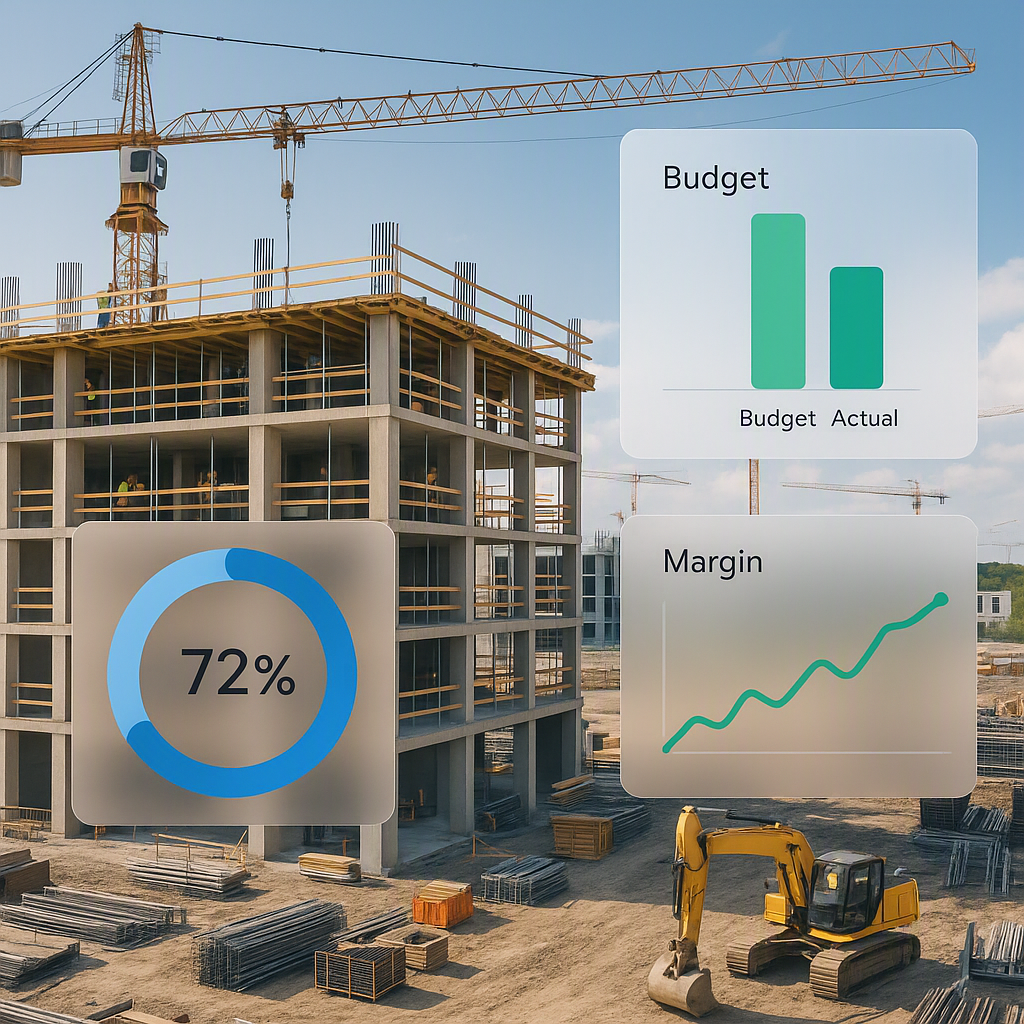
These aren’t small mistakes. For mid-size contractors, billing gaps can lead to 5-10% margin erosion. And in tight-margin industries like construction, that’s the difference between profit and loss.
Case Study: ₹50 Crore Contractor Losing ₹2.5 Crore Annually
Consider a mid-size contractor managing ₹50 crore in annual revenue. If billing errors cause a 5% margin erosion, that’s ₹2.5 crore in lost profitability. This isn’t theoretical — it’s a recurring nightmare for contractors who depend on manual workflows. Among their challenges:
- Over ₹1 crore lost due to retention amounts not being deducted.
- ₹50 lakh in delayed payments from mismatched RA bills.
- ₹1 crore lost in disputes over stage-wise billing inconsistencies.
The cumulative impact is devastating, especially for contractors already operating on razor-thin margins.
How ERP Systems Solve Billing Chaos
Real-time tracking is the fix. Cloud-based ERP solutions like JobNext offer structured workflows that ensure every invoice is accurate, timely, and compliant. Let’s break down how these systems address common billing frustrations.
1. Six Billing Methods for Flexibility
ERP systems allow contractors to set up contracts with the correct billing method upfront. Whether it’s:
- RA Bills (Running Account Bills for periodic payments)
- Stage-Wise Billing (payments tied to project milestones)
- Supply BOQ Billing (for material procurement)
- One-Time Invoices
These options eliminate guesswork and ensure billing consistency.
Example: Matching Billing Methods to Contract Terms
Imagine a contractor working on a ₹10 crore government project. The contract specifies RA billing. With manual systems, the billing team might mistakenly apply stage-wise billing, leading to disputes and delayed payments. ERP systems prevent this by automating the setup based on contract terms.
2. Real-Time Progress Integration
When you track measurements and progress in the ERP, billing becomes automatic. For example, JobNext integrates subcontractor measurements with RA billing workflows, ensuring no misalignment between on-site work and invoices.
Example: Subcontractor Progress Alignment
A subcontractor claims to have completed 75% of their work on a ₹5 crore project. However, site audits reveal only 60% completion. An ERP system flags this mismatch in real time, ensuring the RA bill reflects accurate progress.
3. Retention and Deductions
Retention amounts, penalties, and statutory deductions (e.g., GST, TDS) are automated in ERP systems. Contractors don’t have to manually calculate these every time — the system ensures compliance.
Example: Automating Penalty Deductions
A contractor incurs a ₹2 lakh penalty for delays in a ₹1 crore project. Without ERP, this penalty might be missed, leading to disputes with the client. An ERP system automates penalty deductions, ensuring clean invoices.
Practical Example: A ₹2 Cr Project Saved
We worked with a mid-size contractor who was losing ₹10-20 lakh annually to billing gaps. Their team missed retention deductions on multiple RA bills, leading to disputes with clients. After implementing JobNext’s billing module, they recovered ₹12 lakh in just three months. The system flagged missing deductions and automated invoice generation.
Why Real-Time Tracking Matters
You might think, “Can’t my accounting software handle this?” Not really. Accounting tools like Tally or QuickBooks are great for bookkeeping but lack the integration needed for project-specific billing. ERP systems connect site progress, subcontractor claims, and billing workflows in real time.
Comparison Table: ERP vs Accounting Software
| Feature | ERP Systems | Accounting Software |
|---|---|---|
| Real-Time Progress Tracking | ✅ Integrated with site updates | ❌ Not designed for projects |
| Automated Deductions | ✅ Handles retention and penalties | ❌ Manual input required |
| Multi-Workflow Integration | ✅ Links billing, procurement, and finance | ❌ Standalone functionality |
| Compliance Automation | ✅ GST/TDS handled seamlessly | ❌ Limited statutory support |
FAQs
Q1: What’s the ROI of adopting ERP for billing?
Most contractors recover 3-5% of their annual revenue by eliminating billing errors and disputes. For a ₹50 Cr company, that’s ₹1.5-2.5 Cr saved annually. Additionally, ERP systems reduce administrative overhead, freeing up resources for more strategic tasks.
Q2: How hard is it to implement ERP for billing?
Modern platforms like JobNext are cloud-based and modular. You can start with the billing module alone and expand as needed. Training typically takes 2-4 weeks, and many vendors offer dedicated onboarding teams to ensure smooth implementation.
Q3: Can ERP handle GCC-specific requirements?
Yes. JobNext supports GCC payroll, multi-currency billing, and statutory deductions like VAT or WHT. It’s designed to handle region-specific compliance needs.
Q4: What happens if I already use accounting software?
ERP systems can integrate with popular accounting tools like Tally or QuickBooks. This allows contractors to leverage the strengths of both systems — project tracking and billing workflows in ERP, and bookkeeping in accounting software.
Q5: How do I choose the right ERP platform?
Focus on platforms designed specifically for construction. Look for features like multi-site management, subcontractor integration, and automated compliance workflows. Ask for a demo to see how the system aligns with your existing processes.
Call to Action
Billing errors don’t have to bleed your margins. JobNext offers real-time tracking, automated workflows, and compliance-ready invoicing for contractors. Get started free →