Why CPWD Tenders Are a Headache for Contractors
If you've ever dealt with CPWD tenders, you know the drill. Thousands of line items, 2,000-page DSR PDFs, and rates that seem to change with every circular update. And that's before you even start comparing bids from subcontractors. The process is slow, manual, and leaves plenty of room for mistakes.
Take rate lookups, for example. Manually matching your BOQ with CPWD DSR rates is a nightmare. You flip through pages, cross-check entries, and hope you don’t miss an update from the latest Cost Index. Got a revision? Start over. Missed a rate? You’re either eating into your margins or risking a bid rejection.
It’s inefficient, and inefficiency costs money. A wrong rate or a late submission can lose you tenders—or worse, land you in the red on a project. So, how do you fix this?
The Role of Bid Intelligence in CPWD Tenders
Bid intelligence tools are changing the way contractors approach tenders. These platforms don’t just speed up calculations—they make smarter decisions possible. Here’s how:
1. Automated Rate Lookup
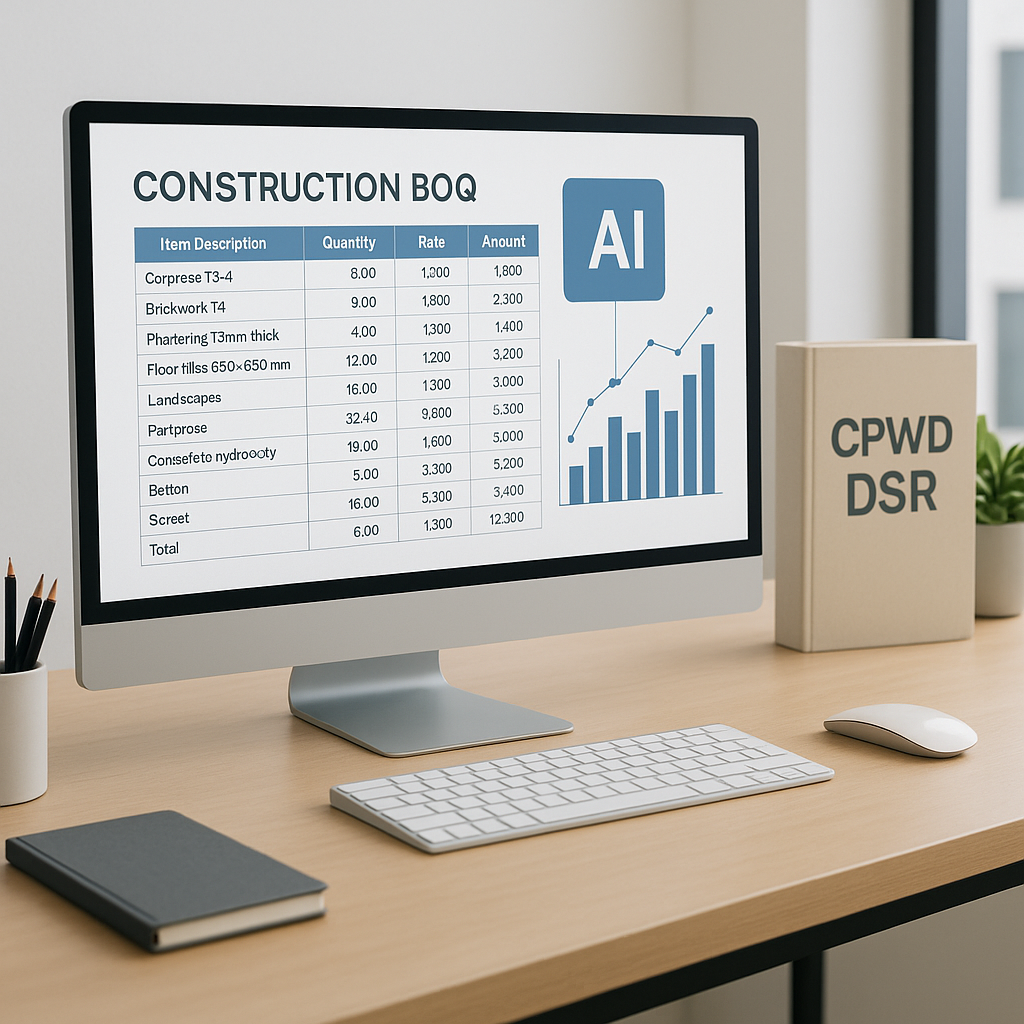
With bid intelligence tools, gone are the days of flipping through CPWD DSR PDFs. Instead, you upload your BOQ, and the platform matches each line item to the correct rate. Algorithms ensure the rates are updated to the latest Cost Index, pulling directly from CPWD circulars.
Illustrative example — Let’s say you’re pricing a government project. Previously, it would take hours of manual effort to cross-check rates for hundreds of BOQ items. With automated tools, this process is significantly faster. More importantly, it eliminates the risk of outdated rates slipping through, which could cost you the bid.
2. Go/No-Go Decisions
Not every tender is worth pursuing. But most contractors rely on gut instinct to decide whether to bid, often in a rushed meeting. That’s risky.
Bid intelligence tools bring structure to this process. They use structured rubrics to evaluate factors like project type, competition, and risk, often parsed directly from tender documents. The result is a clear recommendation to help you decide whether to proceed.
This isn’t just helpful—it’s a game-changer. Contractors can save significant time by avoiding low-probability bids and focusing on high-margin opportunities.
3. Sub Bid Leveling
Once you’ve decided to bid, normalizing quotes from subcontractors becomes the next bottleneck. A typical tender might involve comparing multiple sub bids, each formatted differently, with varying scopes and exclusions. Doing this manually in Excel can be time-consuming.
Bid intelligence tools streamline this process. Automated leveling normalizes scope, flags outliers, and ranks quotes by cost and compliance. You get a clear ranking, complete with an audit trail for later negotiations.
Common Mistakes in CPWD Tender Preparation
- Relying on Old Rate Libraries: CPWD rates are updated annually or semi-annually. Using outdated rates can disqualify your bid or hurt your margins. Bid intelligence tools ensure compliance with the latest circulars.
- Skipping Go/No-Go Analysis: Bidding on every tender is a waste of resources. Focus on opportunities where you have a competitive edge.
- Neglecting Sub Bid Normalization: Minor scope differences between sub bids can lead to major cost overruns later. Always compare apples to apples.
FAQ
Q: Can AI tools handle regional SORs in addition to CPWD DSR?
Yes, many platforms are designed to support multiple schedules of rates (SORs) in addition to CPWD DSR, ensuring flexibility for contractors working across regions.
Q: What happens if the AI matches a wrong rate?
Advanced systems flag ambiguous matches for manual review, ensuring accuracy. Every rate adjustment is tied back to the original circular for audit readiness.
Q: How quickly can I implement a bid intelligence tool?
Most tools are cloud-based and require minimal setup. You can start uploading BOQs within hours.
Why Speed Matters
In CPWD tenders, timing is everything. Submitting a day early can mean the difference between winning and losing, especially in competitive markets where bid volumes are high. Bid intelligence tools don’t just save time—they give you a strategic edge.
If you’re still struggling with manual rate lookups or slow tender processes, it’s time to upgrade.