Why CPWD Tender Preparation Feels Like a Marathon
If you’ve ever prepared a CPWD tender, you know the drill. First, you spend hours flipping through the DSR PDFs, hunting for rates that match your BOQ. Then, you manually apply cost index adjustments—hoping you got the right circular. And let’s not even talk about Excel formulas breaking mid-way.
It’s not just tedious; it’s risky. A single outdated rate or missed inflation adjustment can cost you the job—or worse, your margins.
The CPWD DSR Bottleneck
The Delhi Schedule of Rates (DSR) is the lifeline for CPWD tenders. It standardizes rates for labor, materials, and equipment. Sounds straightforward, right? Except it isn’t.
Here’s why:
- Massive Scope: The DSR covers thousands of items across multiple catalogs. Finding the exact rate for your BOQ can feel like finding a needle in a haystack.
- Frequent Updates: CPWD issues Cost Index updates multiple times a year to account for inflation and market shifts. Missing these updates? Your bid is already outdated.
- Manual Processes: Most contractors rely on Excel sheets and manual lookups. It’s slow, error-prone, and unscalable.
Now, let’s break down a smarter, streamlined approach.
Step-by-Step Workflow for CPWD Tender Preparation
Step 1: Upload Your BOQ
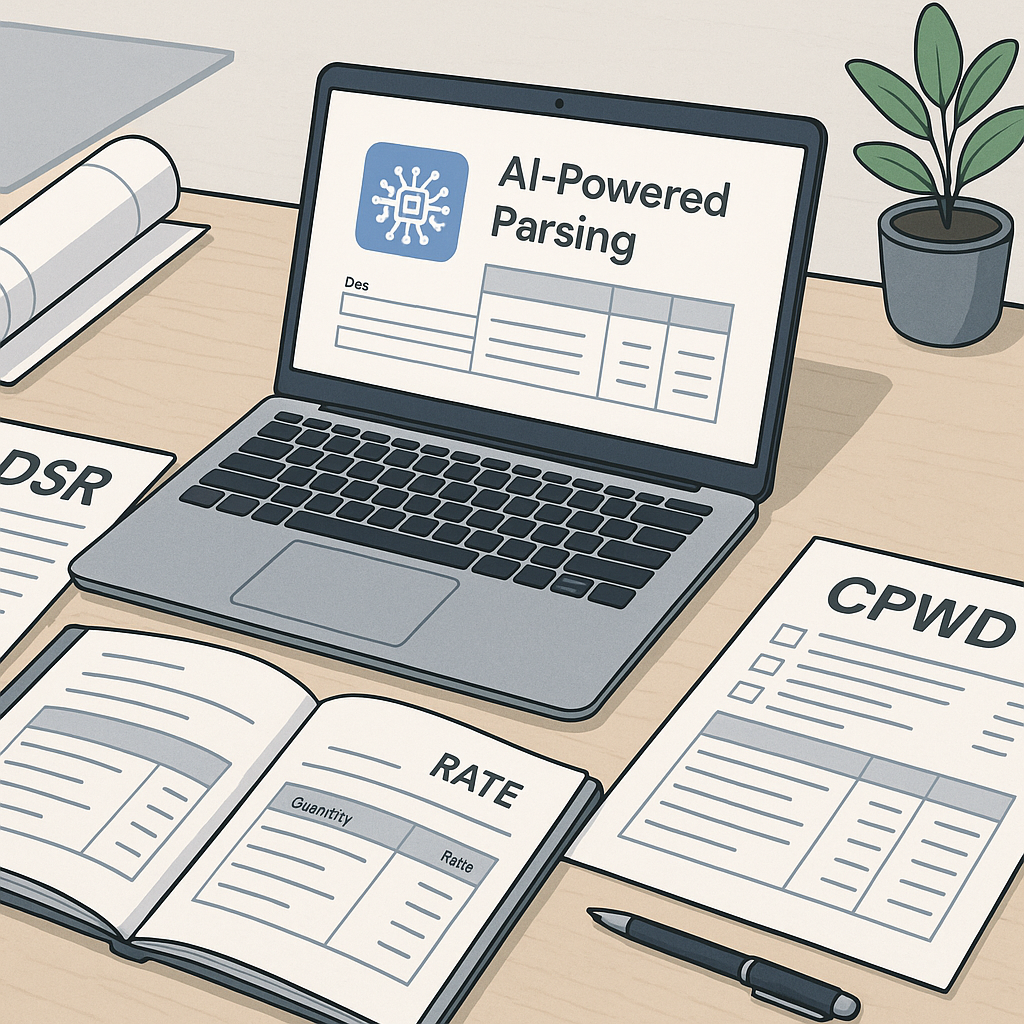
Instead of manually typing your BOQ into Excel, use a smart BOQ parser. Tools are available that allow you to upload your BOQ in Excel, CSV, or even PDF format. These tools can automatically detect:
- Merged cells
- Section headers
- Hierarchies between items
Illustrative example: Say your BOQ has 500 line items, some with subcategories for materials and labor. A parser can structure this data in seconds, saving you significant time.
Step 2: Match BOQ Items to DSR Rates
Here’s where most of us waste the most time—flipping through the DSR catalog. Automated tools can make rate lookup instant by using matching algorithms that:
- Reference your past projects.
- Prioritize custom rate lists.
- Expand the search to state-specific SORs.
- Flag unrecognized items for manual review.
Practical Tip: Always review flagged matches to ensure compliance and accuracy.
Step 3: Apply Cost Index Adjustments
CPWD’s Cost Index updates are critical, but applying them manually is a pain. Automated tools simplify this by:
- Fetching the latest circulars from CPWD.
- Applying inflation adjustments to labor, materials, and equipment rates.
- Generating an audit trail for compliance.
Illustrative example: If the Cost Index for a region increases by a certain percentage, the tool updates all affected line items in seconds, eliminating manual calculations.
Step 4: Analyze and Finalize Rates
Once your BOQ is updated, you can:
- Break down rates into material, labor, and equipment components.
- Adjust overheads, profit margins, and wastage factors.
- Generate output reports in CPWD-compliant formats (Excel or PDF).
Why This Matters: Clear, well-documented rates not only improve your chances of winning the tender but also protect you during audits.
Step 5: Export and Submit
The final step is creating a clean, professional bid package. Tools can help you:
- Export in CPWD-approved formats.
- Include detailed rate analyses.
- Attach a compliance certificate for Cost Index adjustments.
And that’s it. What used to take days can now be done much faster with the right tools.
Common Pitfalls (and How to Avoid Them)
- Using Outdated DSR Versions: Always ensure you’re working with the latest version of the DSR. Automated tools can fetch updates, but double-check for peace of mind.
- Skipping Low-Confidence Matches: When flagged, review these manually to avoid compliance issues.
- Ignoring Regional Adjustments: CPWD DSR is a baseline. Always factor in regional SORs to stay competitive.
FAQ
Q: What happens if the tool makes a mistake?
A: High-quality tools flag low-confidence matches for manual review, ensuring accuracy.
Q: Can tools handle regional SORs?
A: Yes, many integrate state-specific SORs alongside CPWD DSR.
Q: How often does CPWD update the Cost Index?
A: Typically once or twice a year, though it varies. Automated tools track these updates automatically.
Q: Is this workflow suitable for small contractors?
A: Absolutely. Most tools are affordable and scale for businesses of all sizes.
Ready to Simplify CPWD Tenders?
If you’re tired of wasting hours on manual DSR lookups and rate adjustments, it’s time to try a smarter approach. Explore tools that automate the entire process—from BOQ parsing to Cost Index updates—so you can focus on winning more bids.