How to Download Maharashtra PWD SOR PDFs and Use Them for Faster Estimates
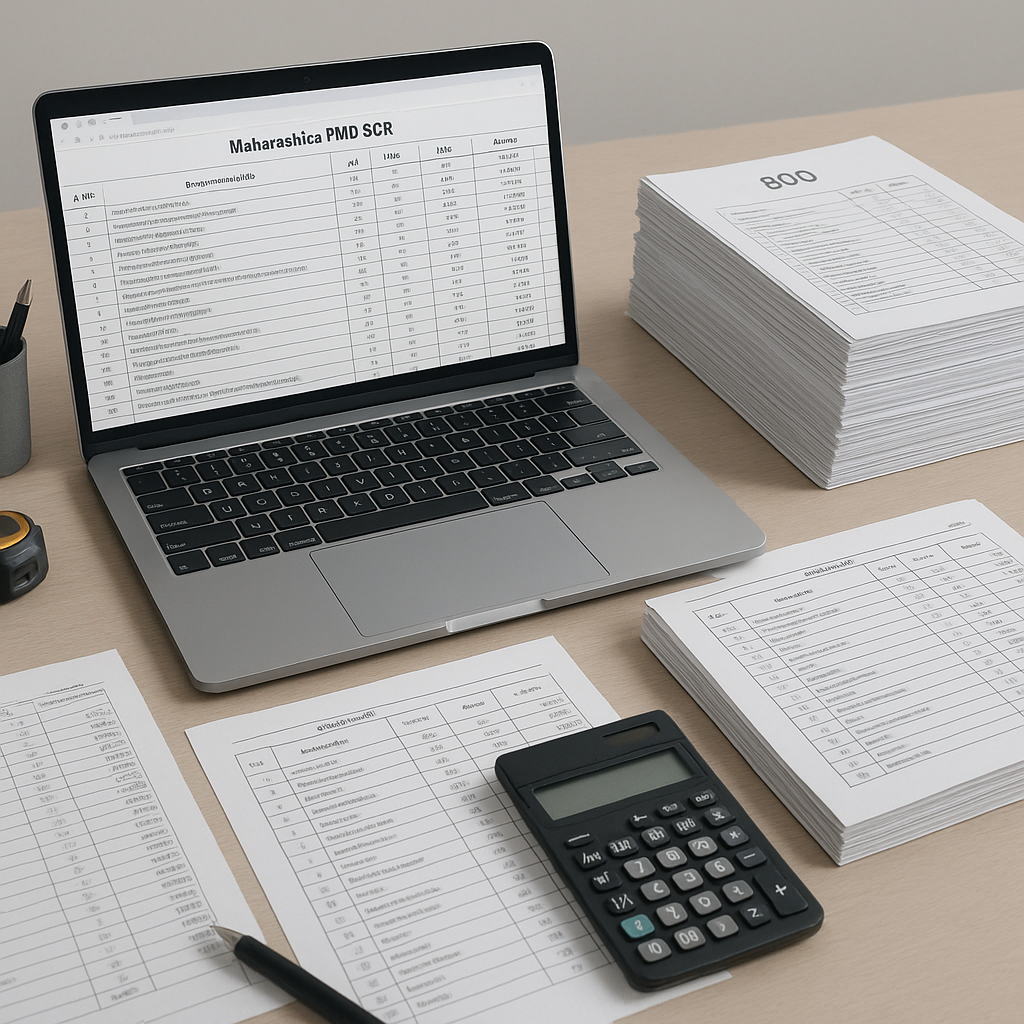
If you've ever worked on civil projects in Maharashtra, you’ve probably dealt with the Public Works Department's (PWD) Schedule of Rates (SOR). These documents are critical for accurate estimates, but they can be time-consuming to navigate. Thousands of line items, scattered across extensive PDFs, often feel like a scavenger hunt. Need to find the labor rate for RCC works? It can take significant effort to locate the right information.
So, how do you streamline this process? First, you need a reliable way to access the latest SOR PDFs. Second, you need tools or methods that can help extract and match these rates to your BOQ efficiently. Let’s break it down.
Step 1: Download the Latest Maharashtra PWD SOR PDFs
The Maharashtra PWD updates its SOR periodically, usually every financial year. Here’s how you can get the latest versions:
- Visit the Official Website: Go to the Maharashtra PWD portal. Navigate to the 'Publications' section where the SOR PDFs are listed.
- Look for the Relevant Year and Volume: The SOR is divided into categories like civil works, electrical works, and mechanical works. Make sure you download all relevant volumes.
- Save Locally: Save the files to a dedicated project folder for easy access.
Pro tip: Bookmark the SOR page. Updates are frequent, and using outdated rates can affect your estimates.
Step 2: The Problem with Manual Lookups
Now you have the PDFs. Great. But here’s the issue: finding the rates you need can be a challenge. Let’s say you’re pricing a BOQ for road construction. You’ll spend significant time:
- Searching for excavation rates
- Cross-referencing material costs
- Applying inflation adjustments manually
This process is not just slow—it’s error-prone. Misreading a single rate or forgetting a GST adjustment can throw off your entire estimate.
Step 3: Automate with Estimation Tools
Here’s where estimation tools can help. Instead of manually flipping through PDFs, you can use software that automates the process. Here’s how such tools typically work:
- BOQ Upload: Upload your Excel or CSV file into the platform. The tool detects headers, line items, and quantities.
- SOR Matching: The software scans Maharashtra’s PWD SOR (and other relevant SORs) to find matches for your BOQ lines.
- Rate Analysis: The system factors in inflation, GST, and even location-specific adjustments. You get a detailed breakdown of material, labor, and equipment costs.
- Output: Generate professional BOQ reports in formats like CPWD DSR, Excel, or your client’s preferred template.
Illustrative example — not actual rates
| BOQ Item | Quantity | Unit | Matched SOR Item | Unit Rate | Total Cost |
|---|---|---|---|---|---|
| Excavation (Hard Soil) | 500 | m³ | PWD_SOR_2023_Excavation_001 | ₹250/m³ | ₹1,25,000 |
| RCC (M20 Grade) | 50 | m³ | PWD_SOR_2023_RCC_020 | ₹5,200/m³ | ₹2,60,000 |
| PCC (1:4:8) | 30 | m³ | PWD_SOR_2023_PCC_015 | ₹4,000/m³ | ₹1,20,000 |
Why This Matters for Contractors
Using estimation tools doesn’t just save you time. It also makes your estimates more competitive. Here’s why:
- Accuracy: Ensures you’re using the latest and most relevant rates, reducing the risk of underbidding or overquoting.
- Speed: Completing a task in minutes that used to take days gives you more time to focus on strategy, not spreadsheets.
- Scalability: Respond to more tenders without increasing your preconstruction team.
Common FAQs
1. What if the SOR doesn’t have the rate I need?
Some tools use fallback mechanisms like historical rates, market indices, or vendor quotes to fill gaps. You’ll always have a rate to work with.
2. Can I adjust rates for inflation?
Yes. Many platforms let you apply location-specific and year-on-year inflation adjustments. For example, if the PWD SOR was last updated in 2022, you can apply an inflation uplift for subsequent years.
3. What formats can I export my BOQ in?
You can typically export in Excel, CPWD DSR, CESMM3, and even custom formats specific to your client’s requirements.
What to Watch For
- Outdated PDFs: Always double-check that you’re using the latest SOR version. Bookmark the PWD website and set reminders to check for updates.
- Manual Overrides: Automated tools are helpful, but human oversight is still essential. Review low-confidence matches flagged by the system.
- Inflation Guesswork: Use official indices or built-in inflation adjustment features to ensure accuracy.
Ready to Estimate Smarter?
If you’re tired of wasting time on manual SOR lookups, consider using estimation tools to automate BOQ creation, match rates instantly, and bid with confidence.