Why BOQs Are Still a Pain Point
If you've ever been stuck flipping through a 2,000-page CPWD DSR PDF or juggling Excel sheets to finalize a Bill of Quantities (BOQ), you’re not alone. For many contractors, BOQ creation is the most time-consuming part of the estimation process. It’s not just about listing items—it’s about matching rates, tracking inflation, and ensuring compliance with local standards. Miss one line item or price it wrong, and you’re either losing the bid or eating the cost later.
So why hasn’t this process improved? Because most teams still rely on outdated tools. Excel is great for crunching numbers, but it wasn’t built for construction estimation. And manually searching for rates in a PDF? That’s not just slow—it’s error-prone.
But here’s the good news: AI tools are finally making BOQ creation faster, smarter, and less frustrating.
The AI Edge: How Automation Changes the Game
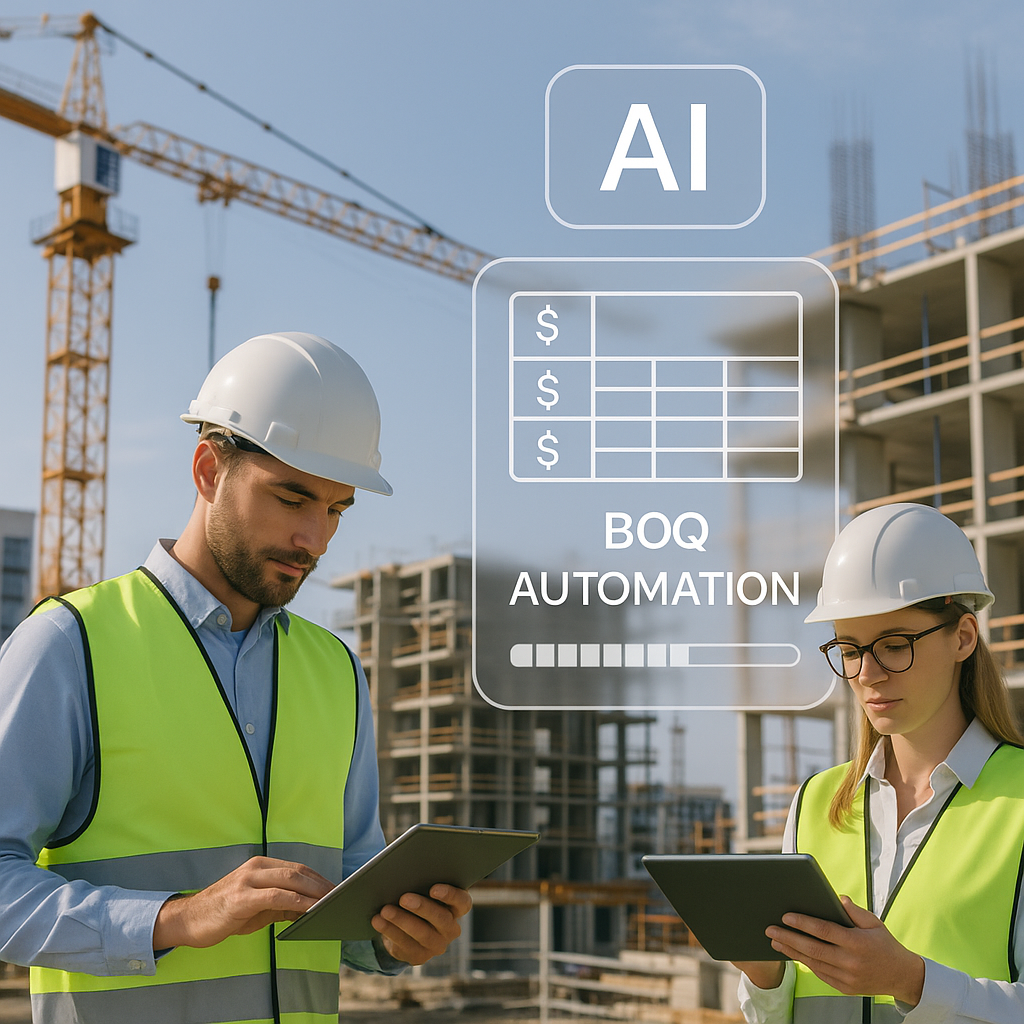
AI-powered platforms are addressing the core problems that make BOQ creation such a headache. Let’s break down one feature that saves the most time: semantic search across DSR and SOR catalogs.
1. Semantic Search: No More CTRL+F Guesswork
Traditional BOQ creation means scrolling through massive rate catalogs to find the exact match for your item. But what happens when the wording doesn’t match? For example, you search for “reinforced concrete,” but the catalog lists it under “RCC.” Or you need rates for “stone masonry,” and it’s buried under “random rubble work.”
Semantic search solves this by understanding context, not just keywords. Type “concrete slab,” and it’ll pull up related items like PCC, RCC, and precast options—even if the exact phrase doesn’t exist. This drastically reduces search time and ensures you’re not missing relevant rates.
2. Historical Insights: Learn from Your Own Projects
Another game-changer is how AI leverages your past project data. If you’ve priced similar items before, the tool will suggest rates that worked—and won. This isn’t just about speed; it’s about accuracy. You’re not starting from scratch every time, and you’re less likely to underprice or overprice items.
3. Instant Propagation of Changes
In Excel, changing one rate often means manually recalculating dozens of related cells. Forget to update something, and your entire estimate could be off. AI-driven tools update your BOQ in real-time, with a full audit trail. You tweak one item, and the changes propagate instantly across the entire document.
Practical Example: Automating a CPWD DSR-Based BOQ
Illustrative example — Let’s say you’re bidding on a government building project. The tender specifies CPWD DSR 2023 as the rate basis. Here’s how you’d automate the BOQ creation process with an AI tool:
- Upload the BOQ Template: Start by uploading the Excel/CSV template provided in the tender.
- AI BOQ Parsing: The tool auto-detects merged cells, section headers, and hierarchies, so you don’t waste time cleaning up the file.
- Semantic Rate Matching: Search for items like “plastering” or “steel reinforcement.” The tool pulls the exact DSR rates, even suggesting alternatives like “machine plaster” if it’s cheaper.
- Inflation Adjustments: Apply compound inflation factors for 2023 rates directly within the platform.
- Final Output: Export the completed BOQ in CPWD format, ready for submission.
This entire process can significantly reduce the time required compared to manual methods.
Common Objections (and Why They’re Wrong)
“My BOQs are too custom for AI to handle.”
AI tools are designed to adapt. Platforms use self-learning algorithms that improve with every project. The more you use it, the better it gets at understanding your specific needs.
“I don’t trust AI to get rates right.”
That’s fair. But these tools don’t pull numbers out of thin air. They’re grounded in official catalogs like CPWD DSR and state SORs, with full transparency. You can always double-check the math.
FAQ
1. Can AI handle multi-region BOQs?
Yes. Tools support multiple catalogs and currencies. Whether you’re working with CPWD rates in India or CESMM3 in the GCC, the platform adapts.
2. What if my BOQ has errors?
AI tools include automated error checks. They flag missing rates, duplicate entries, and mismatched units, so you can fix issues before submission.
3. How do I get started?
Most platforms offer free trials or demos. You can upload a sample BOQ and test the features risk-free.
Final Thoughts
Automating BOQ creation isn’t just a time-saver—it’s a competitive advantage. With AI tools, you’re not just speeding up the process; you’re reducing errors, improving accuracy, and freeing up your team to focus on strategy instead of data entry.