BOQ Estimation: Why It’s Slower Than It Should Be
Let’s be honest. Preparing a Bill of Quantities (BOQ) is a tedious grind. You’re looking at hours—sometimes days—of flipping through CPWD DSR PDFs, cross-checking rates, and manually fixing Excel formatting issues. And if the BOQ you receive is messy or incomplete? That’s another layer of frustration.
The worst part? This isn’t just a small inefficiency. It directly affects how fast you can respond to tenders, the accuracy of your bids, and ultimately, whether you win the job.
But here’s the good news: AI is changing the game. Tools like EstimateNext are automating the most painful parts of BOQ preparation. Below, I’ll break down one specific use case—how AI handles messy BOQs—and why it’s a practical lifesaver for contractors.
The Problem: Messy BOQs Waste Time
We’ve all seen them. BOQs with merged cells, hidden columns, inconsistent headers, or random formatting that makes no sense. Traditional software tools choke on these files. Instead of uploading and parsing the BOQ, you’re stuck cleaning it manually. It’s not just an annoyance—it’s a time sink.
For example, imagine receiving a 200-line BOQ for a large project. You upload it into Excel, and suddenly, half the data is misaligned. Now, your team spends hours fixing merged cells and aligning columns before you can even start estimating. Multiply that by multiple tenders a month, and you’re burning significant time on something that shouldn’t even be an issue.
The Solution: AI-Powered BOQ Parsing
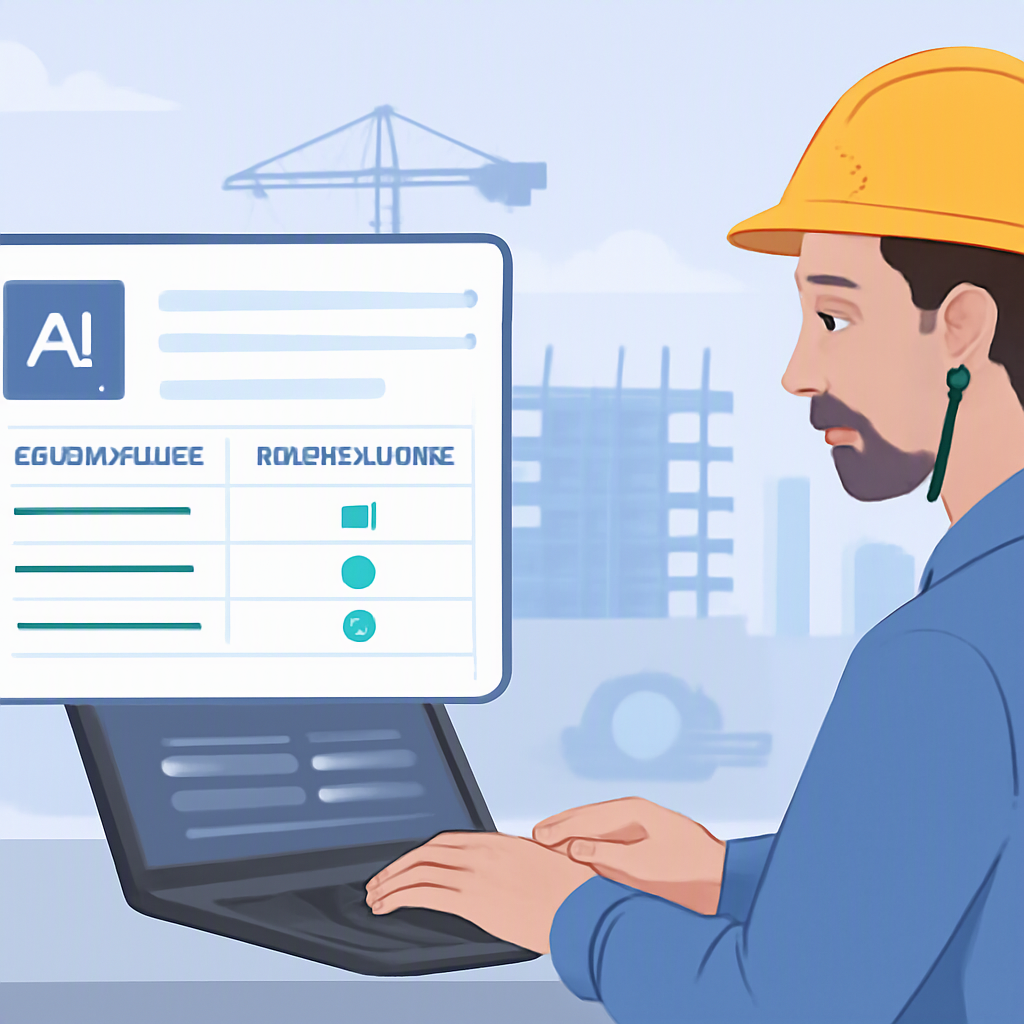
AI tools like EstimateNext don’t care about messy formatting. Their smart parsers can handle even the gnarliest BOQs. Here’s how it works:
- Upload Any File Type: Whether it’s an Excel, CSV, or ODS file, the tool accepts it all.
- Automatic Cleanup: AI algorithms detect merged cells, hidden columns, missing headers, and other common issues. It cleans everything up quickly, saving hours of manual effort.
- Structured Output: The cleaned-up BOQ is delivered as a structured, ready-to-use file. No manual intervention needed.
Illustrative example — Suppose a contractor receives a poorly formatted BOQ that would typically take hours to clean manually. Using an AI tool, the cleanup process is automated and completed in a fraction of the time, allowing the team to focus on estimation rather than formatting.
Practical Benefits for Contractors
So why does this matter? Because time saved here translates directly into competitive advantages:
- Faster Bid Turnaround: If you can process a messy BOQ in minutes instead of hours, you’re one step closer to submitting your bid before the deadline.
- Error Reduction: Manual cleanup introduces errors—misaligned cells, wrong formulas, etc. AI tools eliminate this risk by automating the process.
- Focus on Strategy: Instead of wasting time on grunt work, your estimators can focus on high-value tasks like rate analysis and bid strategy.
What About Rate Matching?
Cleaning up the BOQ is only half the battle. Once your BOQ is ready, you still need to match each line item with the correct rates from the CPWD DSR or state SORs. Traditionally, this means flipping through 2,000-page PDF books—or relying on outdated Excel rate libraries.
AI tools simplify this too. They use semantic search to find relevant rates instantly. For example, if your BOQ mentions “PCC work,” the AI will pull rates for plain cement concrete from the DSR—even if the wording doesn’t match perfectly. This significantly speeds up the rate-matching process compared to manual lookups.
Addressing Common Objections
You might be thinking: “This all sounds great, but can AI really handle the complexity of my projects?” Here’s the reality:
-
“My BOQs are too custom for AI to handle.”
That’s not a problem. AI tools learn from your past projects. If you’ve priced a similar job before, the tool can suggest rates and adjustments based on what worked (and won) previously. -
“What if the AI gets it wrong?”
Human oversight is still important, but AI tools come with built-in audit trails. You can see exactly how every rate was matched, and override anything that doesn’t look right. -
“I already have a system that works.”
Sure, but how much time is it costing you? If you’re spending significant hours per estimate, you’re leaving room for improvement. AI tools can drastically reduce that time, improving efficiency.
What to Watch For
Not all AI tools are created equal. Here’s what you should look for when evaluating options:
- File Compatibility: Can it handle all common file types (Excel, CSV, PDF)?
- DSR Integration: Does it include CPWD/state SOR rates?
- Error Handling: How well does it handle edge cases like missing data or inconsistent formatting?
- Learning Capability: Does the tool get smarter over time as you use it?
FAQ
Q: Can AI replace human estimators?
A: No. AI is a tool, not a replacement. It handles repetitive tasks like BOQ cleanup and rate matching, but strategic decisions still require human expertise.
Q: Is AI only useful for large contractors?
A: Not at all. AI tools scale to any project size. Whether you’re bidding on a small renovation or a large infrastructure job, the benefits are the same.
Q: How accurate are AI-powered estimates?
A: Accuracy depends on input quality. That said, AI significantly reduces errors compared to manual methods, especially for repetitive tasks like rate lookups.
Q: Can AI tools integrate with existing software?
A: Yes, most modern AI platforms integrate with tools like Excel, Procore, and Bluebeam.
The Bottom Line
BOQ estimation doesn’t have to be a time-consuming grind. AI tools like EstimateNext automate the most frustrating parts—cleaning messy BOQs, matching rates, and more. The result? Faster bids, fewer errors, and more wins.
If you’re tired of wasting time on manual BOQ preparation, EstimateNext can help. Get started free →