The Silent Killer of ERP Projects: People Problems
Let’s start with a brutal fact: 70% of ERP implementations fail to deliver expected outcomes (Ultra Consultants). That’s staggering. And no, the problem isn’t the software. It’s not even the budget. It’s the people.
ERP software changes everything about how your team works. The tools they’ve relied on for years? Gone. Spreadsheets? Replaced. Manual processes? Automated (or at least that’s the promise). It’s uncomfortable. And if you don’t manage that discomfort, it will tank your project.
Contractors, in particular, face unique challenges here. Your teams are spread across sites, offices, and sometimes countries. Resistance to change isn’t just likely — it’s guaranteed. That’s why change management isn’t optional. It’s the difference between a system that transforms your operations and one that collects dust.
The Real Cost of Ignoring Change Management
Here’s what happens when you skip change management:
- Low Adoption Rates: Your shiny new ERP sits unused because your team clings to their old tools. Why? They don’t see the value or don’t understand how to use it.
- Process Chaos: Instead of streamlining workflows, you end up with parallel systems — half in the ERP, half in spreadsheets. It’s a mess.
- Missed ROI: You don’t get the efficiency gains or cost savings you promised your board. The ERP becomes a sunk cost, not a strategic asset.
This isn’t theoretical. We’ve seen it happen. In one case, a mid-size MEP contractor in the GCC invested in an ERP to fix their manual procurement process. They skipped change management, assuming their team would adapt. Six months post-go-live, their engineers were still emailing purchase requisitions, and vendors were bypassing the system entirely. Result? Zero improvement. Worse, it created friction between operations and finance.
What Effective Change Management Looks Like
So, how do you get it right? Change management isn’t just a memo from leadership or a one-off training session. It’s a structured, ongoing process. Here’s a basic framework:
| Phase | What It Involves |
|---|---|
| Awareness | Communicate the why. Why are you implementing an ERP? What’s in it for your team? |
| Engagement | Involve key stakeholders early. Let them shape the process. |
| Training | Invest in hands-on, role-specific training. Not a one-size-fits-all approach. |
| Support | Provide ongoing help post-go-live. Think FAQs, office hours, and superusers. |
Notice what’s missing? Technology. That’s because change management is about people, not tools. The software is secondary.
A Practical Example: Procurement Workflows
Let’s get specific. One of the biggest pain points for contractors is procurement. Without an ERP, it’s chaos: material requisitions via WhatsApp, vendor quotes scattered across emails, and no visibility into approvals. The result? Delays, cost overruns, and frustrated teams.
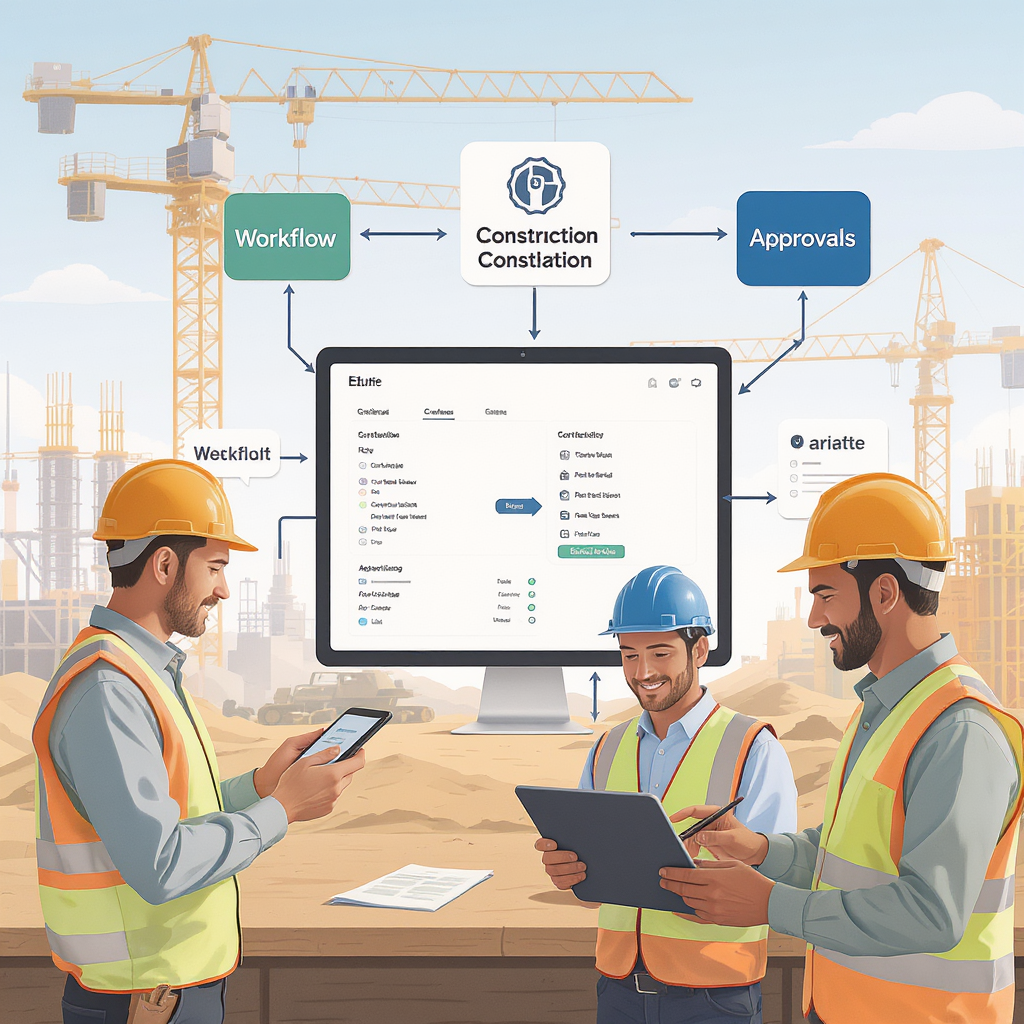
JobNext solves this with a structured MR → RFQ → Vendor Offers → PO workflow. But here’s the catch: even the best workflow won’t work if your team doesn’t use it. That’s where change management comes in.
When one of our clients, a mid-size general contractor in Saudi Arabia, implemented JobNext, we worked with them to:
- Train site engineers on raising MRs directly in the system (replacing WhatsApp).
- Set up approval hierarchies to mirror their existing process — but with clarity and accountability.
- Provide a feedback loop so teams could flag issues with the new system early.
The result? Within three months, 95% of procurement requests were routed through JobNext. Vendor response times improved by 40%, and they cut material costs by 8% through better RFQ management. That’s the power of combining a good system with good change management.
Key Takeaways for Contractors
- Start with the Why: Explain why you’re implementing an ERP and how it benefits everyone — not just leadership.
- Involve Stakeholders Early: Don’t design workflows in isolation. The people who’ll use the system daily need a seat at the table.
- Invest in Training: One training session isn’t enough. Plan for ongoing, role-specific training.
- Provide Post-Go-Live Support: Expect resistance. Have a plan to address it.
ERP implementation isn’t easy, but it’s worth it. And as we’ve seen in projects like this phased approach article, breaking the process into manageable steps with strong change management increases the likelihood of success significantly.
Final Thought
ERP isn’t just a software project. It’s a people project. Neglect the human side, and you’re setting yourself up for failure. But get it right, and you’ll do more than implement a system — you’ll transform your business.
Learn more about how JobNext supports contractors in managing complex workflows across procurement, billing, and beyond.
Ready to see JobNext in action?
Multi-tenant SaaS ERP for construction, facilities management, and contracting — covering preconstruction, project execution, procurement, HR & payroll, equipment, finance, and 150+ analytics reports.
Get Started Free →